
Today, almost any modern commercially produced UAV model can be integrated into an intelligent system to perform a variety of, sometimes extremely complex, flight missions. In this context, the Pixhawk ecosystem has become a leading industry standard for drone-based solutions and is actively used by developers worldwide to implement highly specialized tasks involving UAVs. Below, we'll describe the nuances of Pixhawk customization, including challenges it carries on (and explain how to solve them efficiently).
Pixhawk Hardware Architecture in Commercial Drone Systems
All Pixhawk solutions share two distinctive features: hardware redundancy and task separation. They are based on powerful STM32 microcontrollers with a hardware floating-point unit, which handles the extended Kalman filter algorithm and automated mission logic.
Another Pixhawk feature is the IO co-processor, which operates independently of the flight management unit and is responsible for generating PWM/DShot signals and processing commands from the control panel, thereby backing up the main processor. The next important component is the IMU sensor array with a redundant architecture. Here, each duplicate sensor is connected via different SPI buses, and the main unit is located on an internal damping platform, which is equipped with a hardware heating system (to eliminate the need for drone calibration before takeoffs in cold weather).
Thanks to all this, Pixhawk can be used to connect dozens of different peripheral devices via:
- CAN/UAVCAN, an interface for connecting RTK receivers, smart batteries, and other telemetry devices;
- UART/Telem ports for communication with a modem/onboard PC/optical sensors;
- Ethernet, for high-speed data exchange with onboard computers (here, we mean SBC) and the integration of lidars and thermal imaging gimbals.
Ultimately, it's important to understand that Pixhawk isn’t used to work with neural networks – instead, it ensures the UAV’s flight safety.
Pixhawk Flight Controller Programming for Operational UAVs
Generally speaking, the underlying OS running the PX4/ArduPilot firmware is NuttX. The build process itself is automated thanks to containers that isolate all the dependencies. Compiling the hardware target generates a single binary file, followed by software upload to the controller either via a Python script or a JTAG/SWD programmer.
It's also worth noting that the Pixhawk logic depends on 1,000+ variables, which must be defined in the C/C++ source code with parameter metadata definitions. This is done not manually – developers must create a separate configuration file with Git versioning and mandatory code review.
If a specific task requires unique behavior from the drone, developers must implement the code using uORB messages to ensure minimal latency. Essentially, the developer simply creates a new thread, registers the module, subscribes to the necessary topics, and executes the control loops.
Finally, a few words about how Pixhawk communicates with ground control stations. This occurs via the MAVLink protocol (specifically optimized for radio channels prone to packet loss) and is further customized via the MAVSDK, where the data exchange process is divided into three streams: telemetry, mission commands, and real-time parameter control.
PX4 and ArduPilot Firmware Customization Workflow
In the commercial sector, the differences between these firmware versions are determined by some aspects. Specifically, PX4 has a uORB architecture and is distributed under a BSD 3-Clause license, allowing developers to modify the code, integrate it with ROS 2 on the onboard computer, and sell the product itself without opening the source code. ArduPilot, on the other hand, has a monolithic architecture with native support for industrial hardware out of the box. It’s licensed under the GPLv3, which requires open source code for ready-made solutions based on it (if the kernel was customized).
As for the Pixhawk firmware customization workflow itself, the development team must separate source code modifications from parameter tuning, as any fork of the repository entails technical debt in the form of issues with releasing new stable versions. If such a scenario is unavoidable, all custom scripts must be executed strictly in an isolated module at the uORB/NuttX level.
For example, customization may be necessary to implement automatic docking with a station, which in the PX4 requires integrating a new class into the navigation module. This ensures that the desired mode is immediately registered in the Commander manager, which runs a switching trigger upon receiving the corresponding command from the onboard computer.
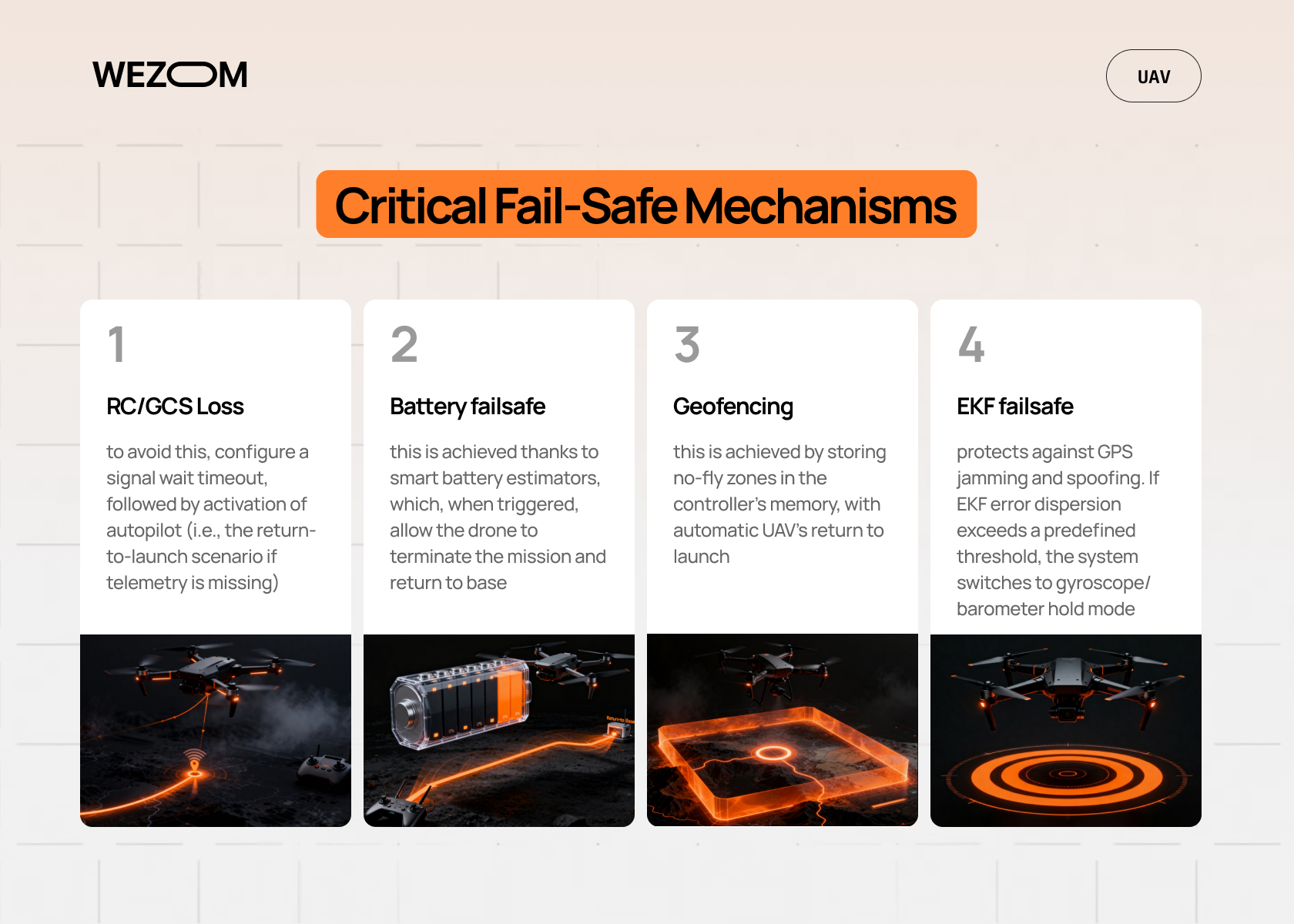
You also have to ensure proper fail-safe logic, specifically, that it covers the following risks:
- RC/GCS loss – to avoid this, configure a signal wait timeout, followed by activation of autopilot (i.e., the return-to-launch scenario if telemetry is missing);
- Battery failsafe – this is achieved thanks to smart battery estimators, which, when triggered, allow the drone to terminate the mission and return to base;
- Geofencing – this is achieved by storing no-fly zones in the controller’s memory, with automatic UAV’s return to launch;
- EKF failsafe – this refers to protection against GPS jamming and spoofing. If the EKF3 algorithm is triggered and the dispersion exceeds a predetermined threshold, the system switches to gyroscope and barometer hold mode.
Pixhawk Custom Drone Development Pipeline
Designing a commercial Pixhawk-based UAV involves dividing the architecture into three independent components: the power stage (including motors), the flight control stage (controller, navigation sensors, etc.), and the target stage (onboard computer).Developers must also define the fault-tolerance matrix and the underlying OS that will run the onboard computer itself.
Another important consideration is the RTK modules and magnetometers that are used to bypass the problem of interference. Regarding peripheral integration, it’s crucial to properly plan the bus topology. While isolated SPI buses are used for high-frequency sensors, DroneCAN buses are used for rangefinders and precision positioning sensors; sensors requiring streaming data are connected via UART ports. Next, the routing of MAVLink packets within the drone itself comes. These packets don't arrive directly at the ground station but first pass through the onboard computer running a routing daemon such as MAVProxy. The flight controller is connected to the onboard computer via UART or Ethernet. Here, the router receives the MAVLink packet stream, multiplexes it, and forwards critical telemetry via a narrowband, long-range radio channel, while the full data stream is forwarded directly to the ROS 2 network.
Finally, developers can move to the in-flight tests, where the pipeline is divided into three sequential stages:
- Software-in-the-Loop, which involves compiling the firmware for the x86 architecture and running it in the simulator (this is necessary for testing custom flight modes and logic under ideal conditions);
- Hardware-in-the-Loop, implying uploading the firmware onto a real physical controller, which is necessary for flight simulation to assess hardware latency;
- Bench testing (including testing the powertrain on a dynamometer to calibrate the PID controllers), as well as stress tests of the failsafe logic.
Pixhawk Payload Integration Strategies
Now, let’s move to the aspects of Pixhawk payload integration.
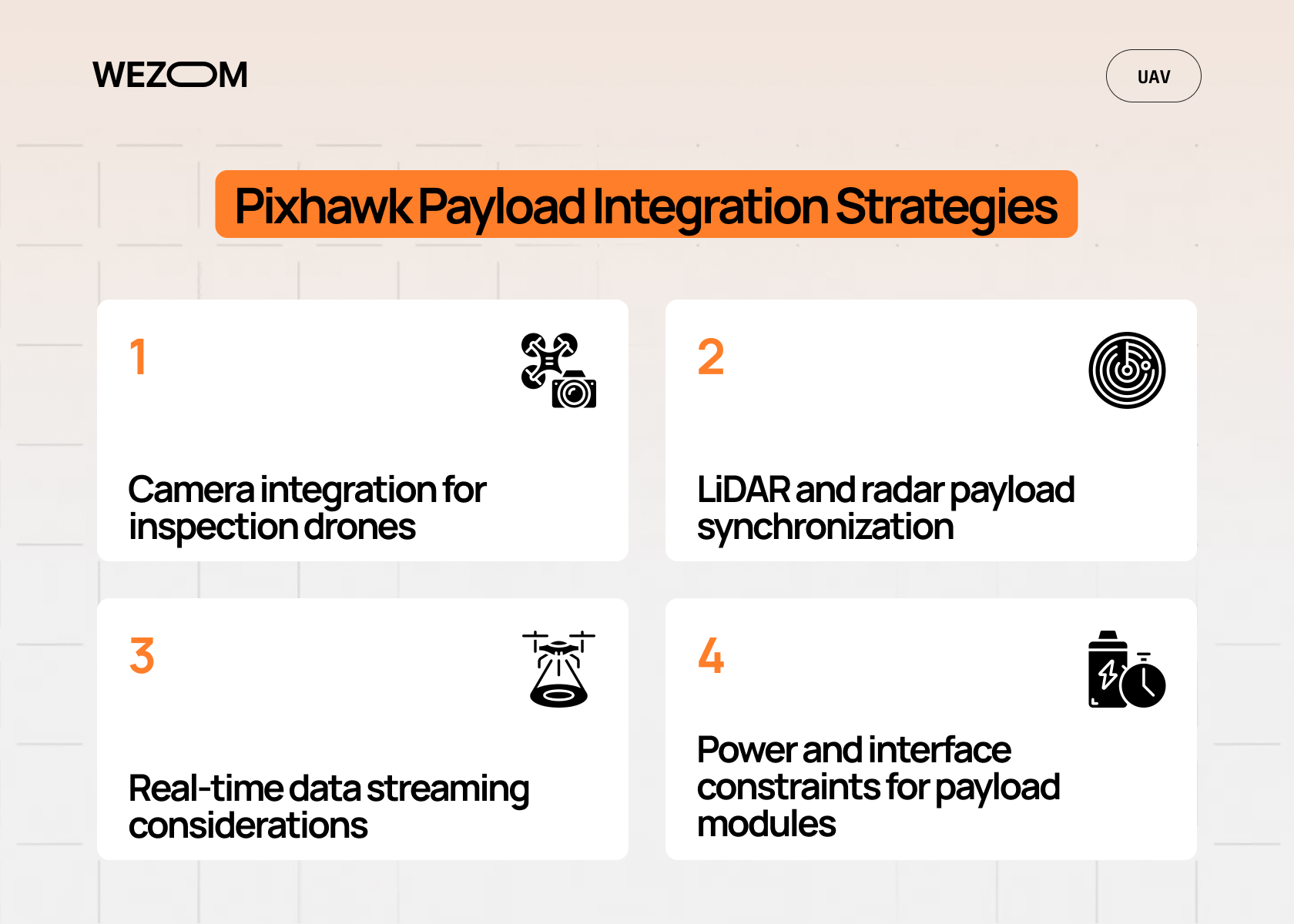
Camera integration for inspection drones
Using cameras for inspection requires tight synchronization of the gimbal (it must be three-axis and gyrostabilized) and the shutter via the MAVLink Gimbal Protocol v2. The Pixhawk itself transmits gimbal orientation commands to the ground station/onboard PC via the UART port. Additionally, if geotagging is required, you will need to connect the camera shutter via the AUX ports.
LiDAR and radar payload synchronization
Lidars and obstacle avoidance radars require high bandwidth. That’s why you must ensure time synchronization with the drone’s spatial position (if the point cloud lags behind the controller data by even 50 milliseconds, the UAV will generate a distorted 3D map and crash). Therefore, it must be connected directly to the onboard computer via a Gigabit Ethernet port.
Real-time data streaming considerations
Streaming data (for example, HD video or raw data from a thermal imaging camera) places a number of demands on the network stack – specifically, the need to deploy media servers to transmit the video stream over a digital broadband radio channel such as Wi-Fi or 5G.
Power and interface constraints for payload modules
The payload is a direct source of high-frequency noise; moreover, it actively consumes limited power (high-power gimbals, in particular, can consume up to 80W), which precludes powering them directly from the Pixhawk’s built-in regulators. To overcome this, you should use battery elimination circuits or, for example, power distribution boards with isolation.
Companion Computer and Edge Processing Integration
In edge computing solutions, the flight controller performs an actuator's role – that's why the correct choice of an onboard computer is so important here, as it's responsible for resource-intensive analytics. Communication between them is accomplished either via a UART bus/Ethernet port, with custom interface modules.
Regarding ROS-based integration scenarios, ROS 2 has been the standard for years, and this is reflected in the PX4 firmware itself through native support for micro-XRCE-DDS. This allows uORB topics from the flight controller to be directly transmitted to ROS 2 nodes without intermediate conversion to MAVLink. It's also worth noting that in ROS 2, developers can identify the drone's state using standard message types, which allows them to send commands to the navigator topic directly through conventional robotics solutions.
Now, a few words about how the computing load is distributed here – the main rule is the acceptable response time. If we're talking microseconds (usually required for stabilization, PID control of angular rates, altitude hold, and handling emergency motor kill), everything is handled directly by the Pixhawk. If it comes to milliseconds, a companion computer is used – it's the one that can effectively localize the drone without GPS, run neural networks for object detection, perform mapping using the OctoMap method, and so on.
Ultimately, the cornerstone of connecting the Pixhawk to the onboard computer remains minimizing latency, as most commercial standards require command transmission to be no more than 30-40 milliseconds to avoid damage to the drone while it performs missions. To do this, developers must configure process scheduling on the onboard PC, allocating isolated processor cores for processing the communication link and specifying maximum frequencies for updating incoming MAVLink messages in Pixhawk.
Pixhawk Integration Services for Commercial UAV Projects
In this paragraph, we’d like to consider the most widespread Pixhawk integration services. Actually, developing turnkey solutions requires an end-to-end requirements audit from the very beginning, which typically includes calculating the payload-to-weight ratio, modeling the power consumption profile to achieve the target flight time, selecting the frame form factor, and, of course, specifying the interfaces for all custom components.
Firmware customization services
Here, we mean services for tailoring firmware to specific business needs, such as:
- Developing low-level drivers for specific sensors or ESCs over the CAN bus;
- Customizing motor mixing algorithms for non-standard aerodynamic designs;
- Developing custom fail-safe scenarios, such as logic for the controlled descent of a hexacopter in the event of multiple motor failures;
- Customizing parameters to meet unique safety standards.
Hardware-software co-design support
The integrator's architects must promptly (while the system's software is being developed) begin creating custom carrier boards, namely boards for the FMU module, which is installed on a designed board with pre-routed connectors, an integrated onboard computer, DC-DC converters, hardware frequency filters, and connectors resistant to strong vibrations.
Maintenance and scaling for fleet deployments
Once the project has successfully passed the prototyping stage and the development team begins deploying a fleet of drones, special attention should be paid to support. This is why it's crucial to properly build a remote monitoring infrastructure with automated log analysis and over-the-air updates. This includes deploying servers that automatically receive Pixhawk ULog files after each flight to track any anomalies, as well as implementing remote firmware updates via the onboard computer over encrypted communication channels. It's also essential to enable instant return to a stable version in the event of a hash verification failure.
Common Challenges in Pixhawk-Based Drone Development
Industrial UAV calibration often faces the challenge of inconsistent results, especially when it comes to compass calibration. Laboratory conditions are characterized by a large number of induced magnetic fields, so using such offsets leads to circular deviation of the drone in real flight.
Another problem is that the EKF3 algorithms require precise data. Sensor fusion, in turn, most often occurs due to missed high-frequency frame vibrations (100-200 Hz range), leading to a discrepancy between the altitude determined by the barometer and the actual acceleration along the Z-axis.
Next, there are delays caused by the transmission of MAVLink packets over the radio channel. In particular, if the channel bandwidth drops, control command packets begin to accumulate, and if the delay exceeds 500 ms, the flight controller activates Hold mode.
Finally, it's worth keeping in mind that updating the PX4/ArduPilot base branches is limited by compatibility issues, so changing the structure of uORB topics or, for example, renaming critical parameters in new versions can instantly disable an onboard computer designed to work with the old API.
Deployment and Field Testing Workflow
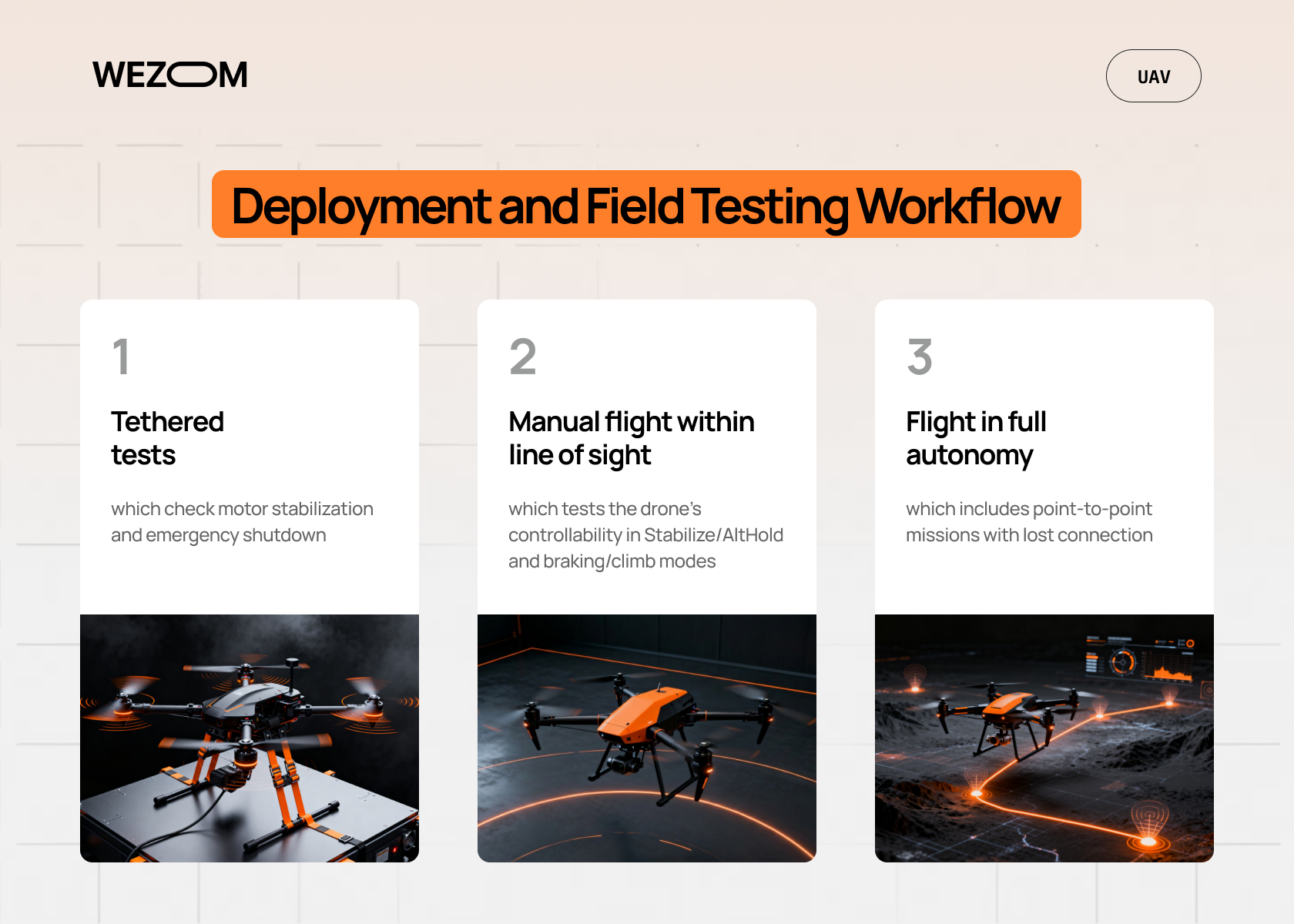
The software deployment itself begins in the SITL ecosystem, where the mathematical model of the UAV’s behavior is validated in a simulator. After this, the code must be tested in HITL, where the physical Pixhawk board communicates with the simulator in real time – this allows you to assess the STM32 processor load and CAN bus latency. Finally, field testing can begin, which is formally divided into three stages:
- Tethered tests, which check motor stabilization and emergency shutdown;
- Manual flight within line of sight, which tests the drone’s controllability in Stabilize/AltHold and braking/climb modes;
- Flight in full autonomy, which includes point-to-point missions with lost connection.
After each flight, ULog files must be uploaded to the analytics server so engineers can evaluate EKF graphs and vibration noise, as well as perform diagnostics of some other aspects of the UAV's stable operation. It's also essential to remember that drone tuning is an iterative process that repeats after each log analysis, with gradual adjustments to the PID controller coefficients and cutoff frequency, until trajectory-holding accuracy is achieved with an error of less than 5-10 cm.
FAQ
How is Pixhawk used in commercial drone development?
Pixhawk for commercial drones handles all tasks on the hard real-time layer: collecting data from sensors, filtering noise, internal navigation, generating control signals to the engines, and everything else that is responsible for the UAV's flight stability.
What firmware is best for Pixhawk-based drones?
The Pixhawk flight controller programming is often used for AI-based systems due to its BSD license, which enables closed source code, while ArduPilot is good because it supports industrial hardware out of the box (but the things with the code are more difficult since it must be opened if the kernel was changed).
Can Pixhawk be customized for specific UAV applications?
Yes, Pixhawk custom drone development for PX4 is achieved by creating isolated software modules that communicate via uORB, while in ArduPilot, this is automated via a built-in scripting engine.
What programming languages are used for Pixhawk development?
The NuttX operating system’s core is written in C, while Lua is used for simple automation scripts. High-level interaction is usually implemented in C++/Python.
How do you integrate payloads with Pixhawk flight controllers?
Simple payloads are integrated via UART using the MAVLink Gimbal protocol (or via AUX ports), while lidars and radars are connected to the onboard computer via Ethernet, with subsequent synchronization with Pixhawk using PPS pulses from GPS/PTP protocol.
