
DevOps has evolved from a niche engineering philosophy into a core operational model for modern software teams. In 2026, DevOps is no longer just about faster releases—it is about reliability, scalability, security, and business continuity across increasingly complex cloud-native environments.
As organizations adopt microservices, distributed architectures, AI-driven workloads, and multi-cloud strategies, the role of DevOps tools becomes even more critical. They enable teams to automate infrastructure, standardize deployments, monitor system health in real time, and collaborate efficiently across development, operations, and security functions.
For software teams, selecting the right DevOps toolchain has a direct impact on delivery speed, operational costs, incident response time, and overall product quality. This article examines the top DevOps tools in 2026, explains how they integrate into modern pipelines, and offers practical guidance on selecting the most suitable tools for various team sizes and project requirements.
Top 10 DevOps Tools in 2026
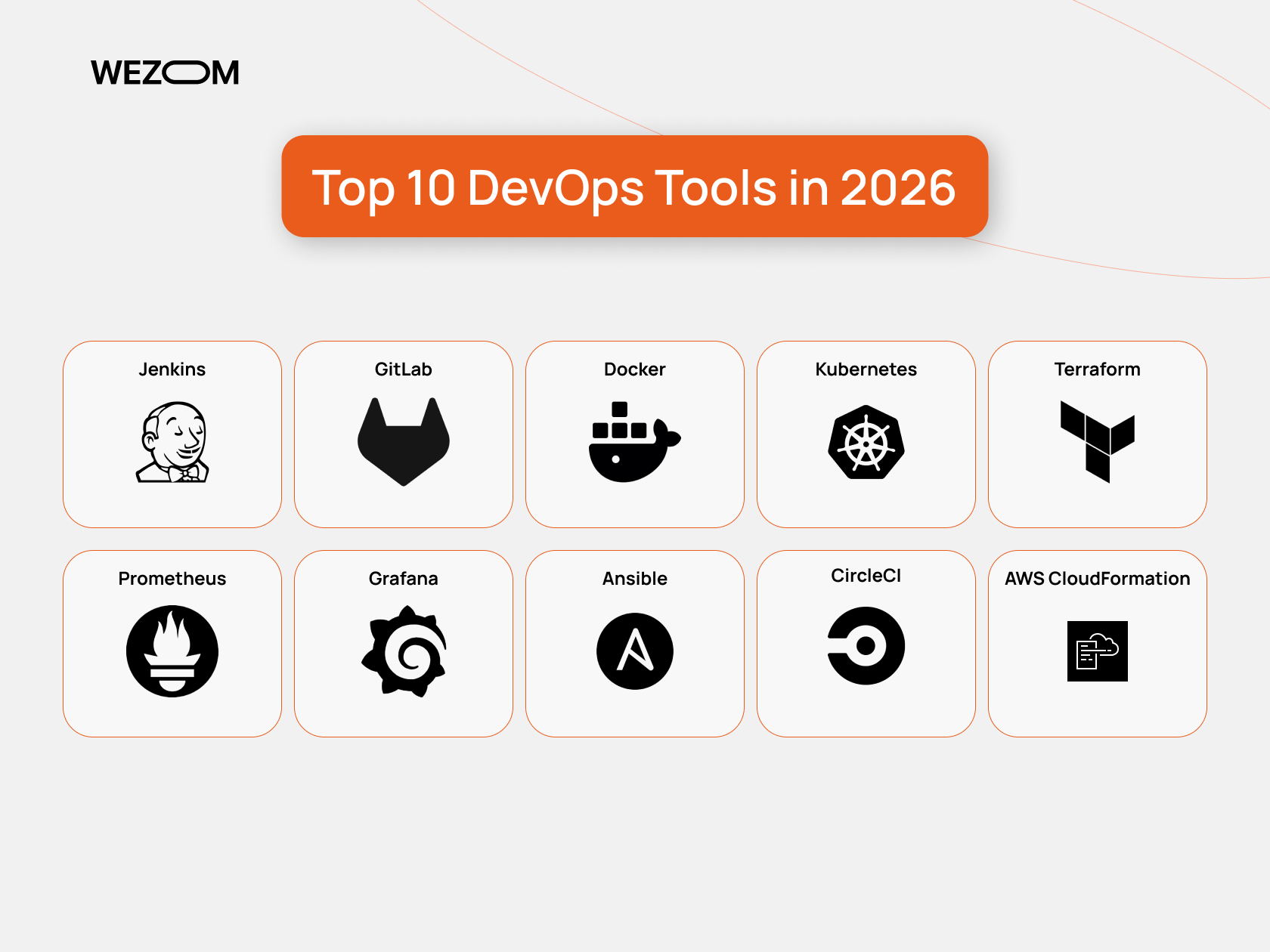
In 2026, choosing the best DevOps tools is no longer just a technical decision—it is a strategic factor that directly affects delivery speed, system stability, and team efficiency. Modern software teams rely on a carefully selected DevOps toolchain to automate workflows, manage cloud infrastructure, monitor performance, and support collaboration at scale. The top DevOps tools outlined below represent the most reliable and widely adopted solutions used by software teams to build, deploy, and operate applications in complex, cloud-native environments. Below is a list of the best DevOps tools for 2026.
Jenkins
Category: CI/CD, Automation
Main Features
Jenkins is an open-source automation server primarily used to build continuous integration and continuous delivery pipelines. It allows teams to automate code builds, run automated tests, and deploy applications across multiple environments. Jenkins pipelines are defined as code, enabling version control, reuse, and auditability. The platform supports thousands of plugins, which makes it highly adaptable to different programming languages, cloud providers, testing frameworks, and deployment strategies.
Advantages
- Extremely flexible and customizable CI/CD pipelines
- Large plugin ecosystem covering most DevOps use cases
- Strong community and long-term enterprise adoption
- Works well with on-premises, cloud, and hybrid infrastructure
Use Cases / Recommended For
Best suited for large teams and enterprises with complex CI/CD workflows, legacy systems, or hybrid infrastructure that require full control over automation logic.
GitLab
Category: CI/CD, Collaboration, Automation
Main Features
GitLab is a complete DevOps platform that combines source code management, CI/CD pipelines, issue tracking, code review, and security features in a single system. It enables teams to manage the entire software lifecycle from planning to production. GitLab CI/CD is tightly integrated with repositories, allowing pipelines to be triggered automatically on code changes. Built-in security scanning supports DevSecOps practices.
Advantages
- Unified platform reduces tool fragmentation
- Strong collaboration and traceability
- Built-in CI/CD and security tooling
- Suitable for distributed and remote teams
Use Cases / Recommended For
Ideal for small to large teams looking for an all-in-one DevOps solution with strong collaboration and governance.
Docker
Category: Containers, Automation
Main Features
Docker enables teams to package applications and their dependencies into containers that run consistently across environments. It simplifies environment setup, reduces configuration drift, and accelerates deployments. Docker images integrate seamlessly into CI/CD pipelines and are commonly used as the foundation for cloud-native architectures.
Advantages
- Consistent environments from development to production
- Faster deployments and rollbacks
- Lightweight and resource-efficient
- Broad ecosystem and tooling support
Use Cases / Recommended For
Recommended for teams of any size, especially those adopting microservices or cloud-native application architectures.
Kubernetes
Category: Orchestration, Cloud
Main Features
Kubernetes is a container orchestration platform that automates the deployment, scaling, and management of containerized applications. It provides service discovery, load balancing, rolling updates, and self-healing capabilities. Kubernetes supports multi-cloud and hybrid environments, making it a standard for production-grade container workloads.
Advantages
- Automatic scaling and self-healing
- Designed for high availability
- Cloud-agnostic and extensible
- Strong ecosystem and vendor support
Use Cases / Recommended For
Best suited for medium and large teams managing distributed systems, microservices, or high-traffic applications.
Terraform
Category: Cloud, Automation
Main Features
Terraform enables infrastructure provisioning through declarative configuration files. Teams can define cloud resources as code and reuse modules across environments. Terraform supports multiple cloud providers and allows infrastructure changes to be versioned, reviewed, and applied through CI/CD pipelines.
Advantages
- Multi-cloud and vendor-neutral
- Reusable infrastructure modules
- Predictable and auditable changes
- Strong automation and CI/CD integration
Use Cases / Recommended For
Recommended for medium to large teams managing scalable cloud or multi-cloud infrastructure.
Prometheus
Category: Monitoring, Metrics
Main Features
Prometheus is a monitoring system designed to collect time-series metrics from applications and infrastructure. It uses a pull-based model and offers a powerful query language for analyzing system performance. Prometheus integrates closely with Kubernetes and supports alerting based on defined thresholds.
Advantages
- High-performance metrics collection
- Excellent support for cloud-native environments
- Flexible querying and alerting
- Open-source and extensible
Use Cases / Recommended For
Best for cloud-native and container-based teams that need deep performance monitoring and metrics-driven insights.
Grafana
Category: Monitoring, Visualization
Main Features
Grafana provides dashboards and visualizations for metrics, logs, and traces from multiple data sources. It enables teams to track KPIs, monitor system health, and analyze trends over time. Grafana also supports alerting and role-based access.
Advantages
- Rich and customizable dashboards
- Supports multiple data sources
- Improves visibility across teams
- Useful for both technical and business users
Use Cases / Recommended For
Suitable for teams of any size that require clear observability and performance insights.
Ansible
Category: Automation, Configuration
Main Features
Ansible automates configuration management, application deployment, and operational tasks using human-readable playbooks. It operates without agents, relying on standard protocols, which simplifies setup and maintenance.
Advantages
- Simple and readable automation scripts
- Agentless architecture
- Strong configuration consistency
- Easy integration with CI/CD pipelines
Use Cases / Recommended For
Ideal for small to large teams, automating configuration and routine operational workflows.
CircleCI
Category: CI/CD, Automation
Main Features
CircleCI is a cloud-based CI/CD platform that automates build, test, and deployment pipelines. It supports parallel execution, caching, and fast feedback loops, helping teams deliver software faster without managing CI infrastructure.
Advantages
- Fast pipeline execution
- Minimal infrastructure overhead
- Easy cloud integration
- Scales with team growth
Use Cases / Recommended For
Best for small and mid-sized teams that want fast, managed CI/CD without operational complexity.
AWS CloudFormation
Category: Cloud, Automation
Main Features
AWS CloudFormation allows teams to define AWS infrastructure using templates. It enables repeatable deployments, change previews, and tight integration with AWS security and compliance services.
Advantages
- Native AWS integration
- Strong governance and security controls
- Predictable infrastructure changes
- Suitable for regulated environments
Use Cases / Recommended For
Recommended for teams fully operating on AWS, especially large organizations with strict compliance requirements.
Comparison of DevOps Tools
When comparing popular DevOps tools in 2026, it is important to understand that most of them are not direct alternatives, but rather complementary components of a mature DevOps ecosystem. Each tool addresses a specific layer of the software delivery lifecycle—from code integration and infrastructure provisioning to monitoring, visualization, and cloud governance. The effectiveness of a DevOps toolchain depends on how well these tools work together rather than on selecting a single “best” solution.
CI/CD tools such as Jenkins, GitLab, and CircleCI focus primarily on automation of build, test, and deployment pipelines. Jenkins offers maximum flexibility and customization, making it suitable for large teams with complex workflows, but it often requires more operational effort. GitLab provides a more integrated approach by combining CI/CD with version control, collaboration, and security features in one platform, reducing tooling fragmentation. CircleCI, on the other hand, emphasizes speed and simplicity, making it attractive for cloud-first teams that want minimal infrastructure management.
Containerization and orchestration tools like Docker and Kubernetes operate at a different level. Docker standardizes application environments, ensuring consistency across development and production. Kubernetes builds on this by enabling scalable, resilient orchestration of containerized workloads. While Docker is essential for teams of any size, Kubernetes is typically adopted by teams managing distributed systems, microservices, or high-availability platforms.
Infrastructure and automation tools such as Terraform, Ansible, and AWS CloudFormation address infrastructure lifecycle management. Terraform stands out for its multi-cloud capabilities and reusable modules, making it ideal for organizations that want cloud independence. Ansible excels in configuration management and operational automation, especially where simplicity and agentless execution are priorities. AWS CloudFormation is more specialized, offering deep integration and governance within AWS-centric environments, which is often critical for enterprises with strict compliance requirements.
Monitoring and observability tools like Prometheus and Grafana focus on system visibility and performance insights. Prometheus is optimized for collecting and querying metrics in cloud-native environments, while Grafana adds value by transforming raw data into actionable dashboards and alerts. Together, they provide a powerful observability stack that supports proactive incident management and performance optimization.
In practice, high-performing DevOps teams combine multiple tools—CI/CD, infrastructure automation, orchestration, and monitoring—to build a balanced and scalable DevOps toolchain aligned with their technical and business goals.
The table below provides a high-level DevOps tools comparison based on key capabilities:
| Tool | Primary Category | Automation | Monitoring | Cloud Support | Best For |
|---|---|---|---|---|---|
| Jenkins | CI/CD | High | Low | Broad | Large, complex teams |
| GitLab | DevOps Platform | High | Medium | Broad | Unified DevOps workflows |
| Docker | Containers | Medium | Low | Broad | Environment consistency |
| Kubernetes | Orchestration | High | Medium | Broad | Scalable microservices |
| Terraform | Infrastructure | High | Low | Multi-cloud | Infrastructure automation |
| Prometheus | Monitoring | Low | High | Cloud-native | Metrics-driven teams |
| Grafana | Visualization | Low | High | Broad | Observability |
| Ansible | Automation | High | Low | Broad | Configuration management |
| CircleCI | CI/CD | High | Low | Cloud-first | Fast deployments |
| AWS CloudFormation | Cloud | High | Low | AWS-only | AWS-centric teams |
This comparison highlights how different tools complement each other rather than compete directly.
Main Categories of DevOps Tools
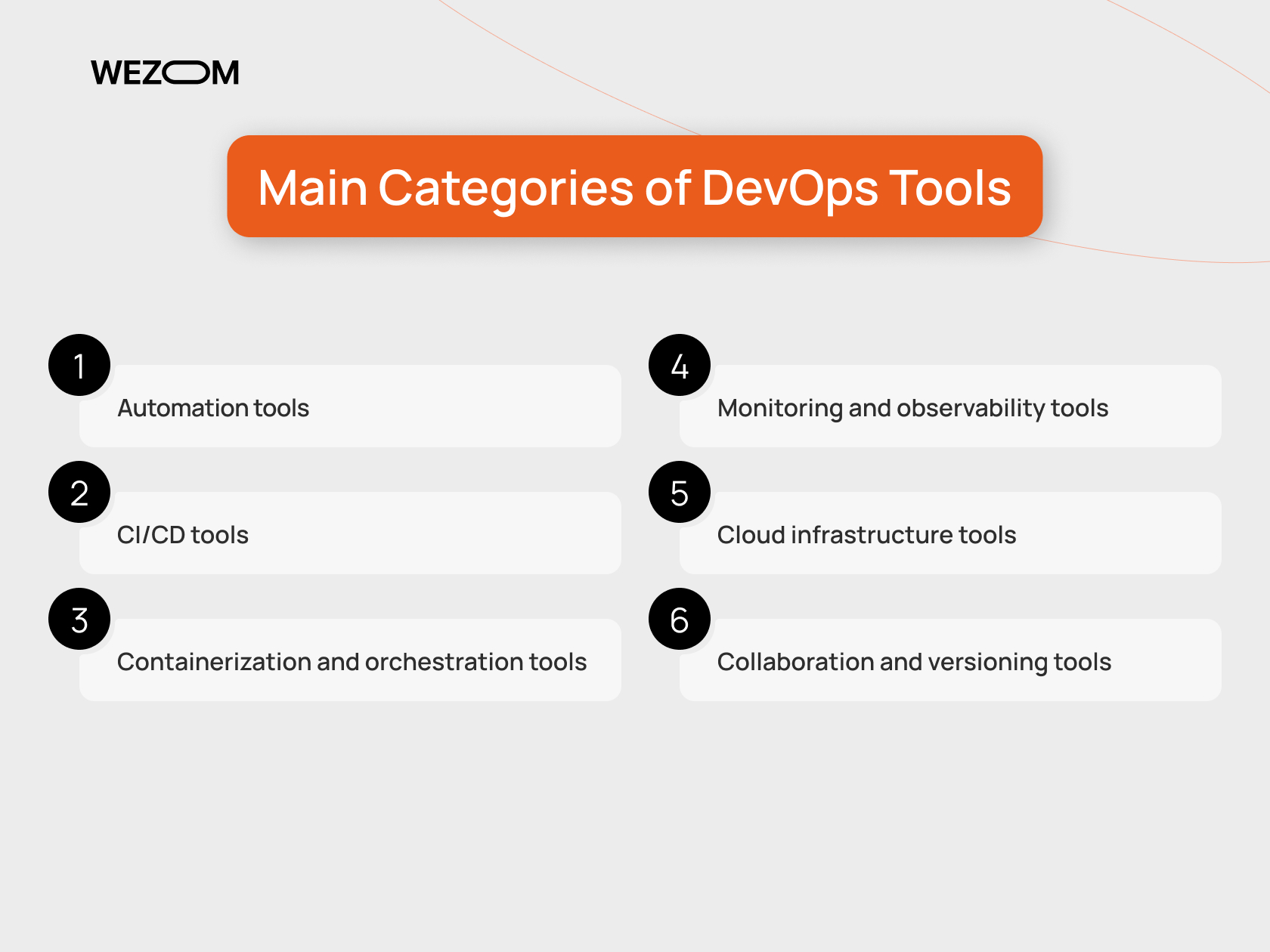
DevOps tools typically fall into several functional categories:
- Automation tools – manage infrastructure provisioning, configuration, and repetitive operational tasks;
- CI/CD tools – automate build, test, and deployment pipelines;
- Containerization and orchestration tools – package applications and manage scalable workloads;
- Monitoring and observability tools – track system metrics, logs, and application performance;
- Cloud infrastructure tools – manage cloud resources using infrastructure-as-code principles;
- Collaboration and versioning tools – support team workflows, code review, and change tracking.
Together, these tools form a DevOps ecosystem that enables teams to deploy faster while maintaining stability and security.
How to Choose the Right DevOps Tools for Your Team
Selecting the best DevOps tools requires aligning technology choices with business and operational goals. Teams should evaluate not only technical capabilities, but also scalability, integration effort, and long-term maintenance costs. A well-structured list of DevOps tools helps compare solutions objectively and choose those that support team size, delivery speed, and infrastructure strategy without unnecessary complexity.
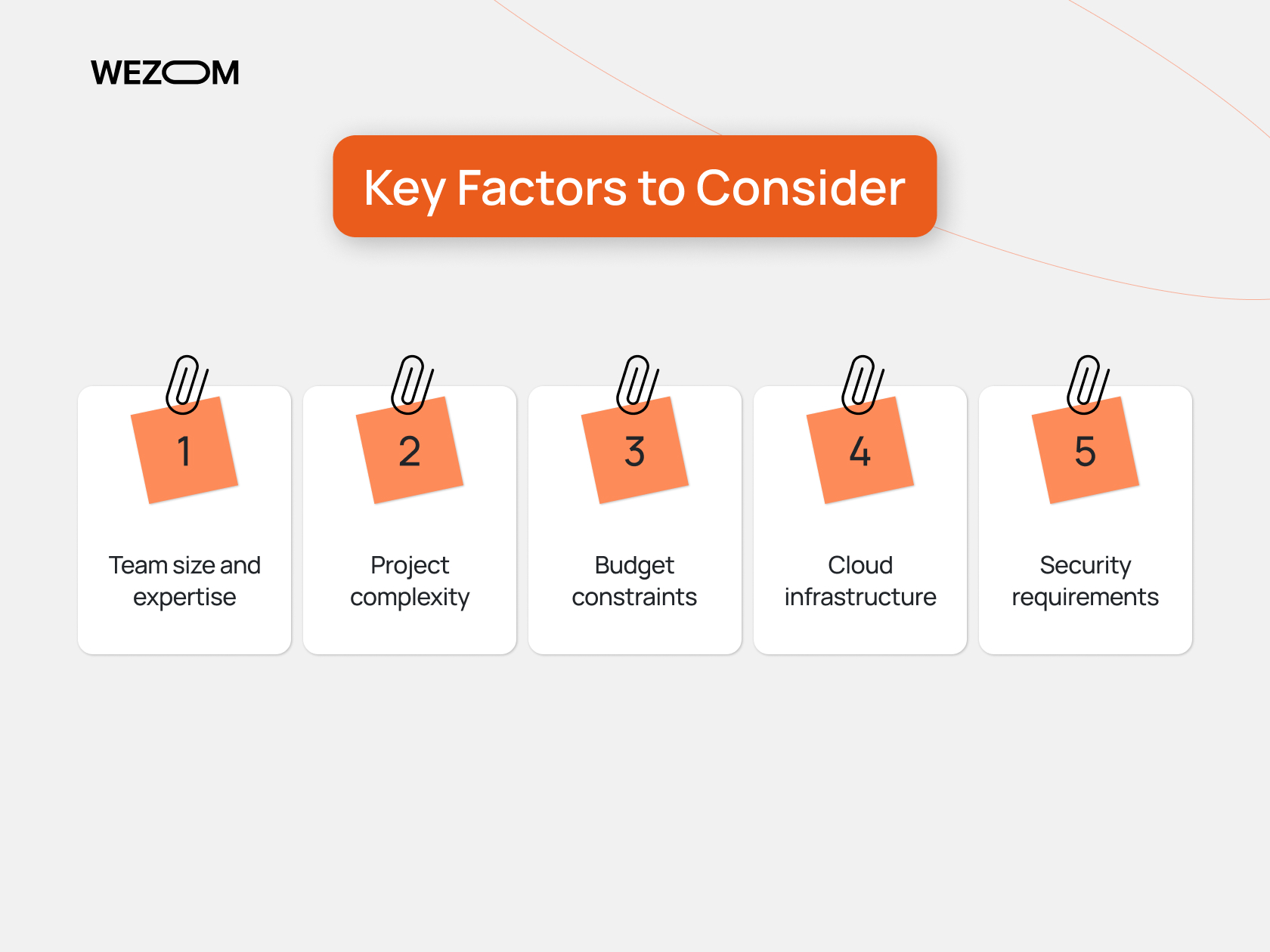
Key Factors to Consider
- Team size and expertise: Large teams benefit from robust platforms like GitLab or Kubernetes, while smaller teams may prefer managed CI/CD tools
- Project complexity: Microservices and distributed systems require orchestration and monitoring tools
- Budget constraints: Open-source tools reduce licensing costs but may increase operational overhead
- Cloud infrastructure: Native tools simplify management when committed to a specific cloud provider
- Security requirements: Built-in compliance and policy controls are critical for regulated industries
Actionable Tips
- Start with CI/CD and monitoring before expanding automation
- Avoid overengineering in early project stages
- Standardize tooling across teams to reduce operational friction
- Continuously review tool effectiveness as systems scale
Benefits of DevOps Tools for Software Teams
DevOps tools deliver value far beyond faster deployments. In modern software organizations, they form the operational backbone that enables teams to scale products, maintain stability, and continuously improve quality while operating in complex cloud and distributed environments. Below is a more detailed look at the key benefits DevOps tools provide for software teams in 2026.
Accelerated Software Delivery Without Loss of Quality
DevOps tools automate critical stages of the development lifecycle, including building, testing, integration, and deployment. By removing manual steps and standardizing workflows, teams can release updates more frequently and with greater confidence. Automated CI/CD pipelines ensure that every code change is tested and validated before reaching production, significantly reducing the risk of defects and regressions.
For software teams, this means faster time-to-market without sacrificing reliability—an essential advantage in competitive and fast-moving industries.
Reduced Operational Risk and Human Error
Infrastructure automation and configuration management tools minimize the need for manual system changes. Infrastructure-as-code, automated deployments, and repeatable environments ensure that systems behave predictably across development, staging, and production.
This consistency dramatically reduces configuration drift and human error, which remain among the leading causes of production incidents. As a result, teams spend less time firefighting and more time improving the product.
Improved Scalability and System Reliability
DevOps tools enable teams to design systems that scale automatically based on demand. Container orchestration, cloud automation, and monitoring tools work together to ensure applications remain available even under variable workloads.
For growing products, this allows teams to handle traffic spikes, onboard new customers, and expand to new regions without re-architecting systems or increasing operational complexity.
Real-Time Visibility and Faster Incident Response
Monitoring, logging, and observability tools provide deep visibility into application performance and infrastructure health. Teams can track key metrics, detect anomalies early, and respond to incidents before users are affected.
This real-time insight shortens mean time to detection (MTTD) and mean time to recovery (MTTR), which directly improves user experience and service reliability. For leadership, it also enables data-driven decisions rather than reactive problem-solving.
Stronger Collaboration Across Teams
DevOps tools break down traditional silos between development, operations, QA, and security teams. Shared dashboards, unified pipelines, and collaborative workflows improve transparency and accountability across the organization.
When teams work from the same systems and data, communication improves, handoffs become smoother, and delivery bottlenecks are easier to identify and resolve.
Built-In Security and Compliance
Modern tools for DevOps increasingly support DevSecOps practices by embedding security checks directly into pipelines. Automated vulnerability scanning, access control, audit logs, and compliance reporting help teams identify risks early in the development process.
This shift-left approach reduces costly fixes later in the lifecycle and ensures that security and compliance are treated as continuous processes rather than afterthoughts.
Cost Efficiency and Resource Optimization
By automating infrastructure provisioning and scaling resources dynamically, DevOps tools help teams optimize cloud spending. Teams can avoid over-provisioning, shut down unused resources, and align infrastructure costs with actual usage.
Over time, this leads to significant cost savings, especially for teams operating large-scale or cloud-heavy systems.
Better Foundation for Long-Term Growth
Perhaps most importantly, tools for DevOps create a sustainable foundation for long-term product growth. They allow teams to adapt quickly to changing requirements, integrate new technologies, and scale operations without exponential increases in effort or cost.
For software teams, DevOps tooling is not just about speed—it is about resilience, adaptability, and operational maturity, which are essential for building and maintaining successful digital products in 2026 and beyond.
FAQ
Which DevOps tools are popular for large teams?
Large teams commonly rely on Kubernetes, GitLab, Jenkins, and Terraform due to their scalability and flexibility.
What are the most useful DevOps automation tools?
Terraform, Ansible, Jenkins, and AWS CloudFormation are widely used for automating infrastructure and deployments.
How do DevOps monitoring tools improve performance?
Monitoring tools provide real-time visibility into system behavior, enabling faster incident detection and performance optimization.
How to choose the right DevOps tools for the team?
Teams should consider size, project complexity, cloud strategy, and security needs when selecting DevOps tools.
Which DevOps tools provide the best security features?
GitLab and AWS CloudFormation offer strong built-in security and compliance capabilities, while Kubernetes supports advanced policy controls.
