
Choosing among the best enterprise data integration platforms is no longer just a technical decision – it is a strategic one. Modern organizations operate across distributed environments, combining cloud, hybrid, and legacy systems, which makes seamless data integration a foundational capability. In 2026, the best data integration platforms for enterprise are expected to support complex pipeline orchestration, enable both ETL and ELT workflows, and deliver real-time insights with minimal latency.
The market for enterprise integration software has evolved significantly. Instead of focusing solely on batch processing, today’s top integration platforms must handle streaming data, API-based integrations, and large-scale automation. They also need to integrate with data warehouse and data lake architectures while ensuring strong governance, security, and performance.
Below is a breakdown of the top enterprise data integration platforms in 2026, based on enterprise-grade capabilities, scalability, and real-world adoption patterns.
Top 10 Best Enterprise Data Integration Platforms in 2026
Informatica Intelligent Data Management Cloud
Informatica continues to define what the best enterprise data integration platforms should look like in large-scale environments. It operates as a unified platform that combines ETL, ELT, governance, and workflow orchestration into a single ecosystem. What makes it particularly valuable is its metadata-driven architecture, which allows organizations to manage thousands of data pipelines consistently across hybrid and multi-cloud environments.
In practice, Informatica is often used in industries like finance or healthcare, where compliance and data governance are non-negotiable. It supports real-time and batch processing, integrates with a wide range of connectors, and ensures traceability across the entire data lifecycle.
Pros:
- Enterprise-grade scalability across cloud and hybrid environments;
- Strong governance, lineage tracking, and compliance capabilities;
- Advanced automation and centralized monitoring.
Cons:
- High implementation complexity and longer deployment cycles;
- Premium pricing model not suitable for all organizations.
Best for (use case):
Large enterprises managing regulated data environments and complex multi-system integrations.
Microsoft Azure Data Factory
Microsoft Azure Data Factory is one of the best data integration platforms for enterprise operating in cloud-first environments. It is designed around serverless execution, allowing organizations to build and manage data pipelines without provisioning infrastructure. Its tight integration with Azure services makes it a natural choice for companies already invested in Microsoft ecosystems.
Operationally, Azure Data Factory simplifies workflow orchestration through a visual interface, while still allowing advanced customization via code. It supports both ETL and ELT processes and integrates seamlessly with analytics tools, enabling faster data transformation and reporting.
Pros:
- Strong scalability and cost efficiency via pay-as-you-go pricing;
- Seamless integration with Azure analytics and storage services;
- Built-in CI/CD and monitoring capabilities.
Cons:
- Limited flexibility outside the Azure ecosystem;
- Real-time processing is not as mature as streaming-focused tools.
Best for (use case):
Cloud-native enterprises leveraging Azure for analytics and infrastructure.
Talend Data Fabric
Talend Data Fabric stands out among the best integration platforms for its strong focus on data quality and governance alongside integration. Unlike many tools that treat data quality as an add-on, Talend integrates cleansing, validation, and transformation directly into the pipeline.
From an operational perspective, Talend offers flexibility through both open-source and enterprise editions. It supports real-time and batch processing, making it suitable for organizations building scalable data infrastructure that feeds analytics and machine learning workflows.
Pros:
- Strong data quality and governance capabilities;
- Flexible deployment across cloud and hybrid environments;
- Wide connector ecosystem and API integration.
Cons:
- Requires experienced teams for optimal configuration;
- Performance tuning can be complex in large-scale environments.
Best for (use case):
Enterprises prioritizing data quality, compliance, and flexible architecture.
IBM DataStage
IBM DataStage remains a reliable component of enterprise integration software, particularly in organizations with legacy systems and large volumes of structured data. It is designed for high-throughput ETL processing, with a focus on stability and predictable execution.
In real-world scenarios, DataStage is often used in industries with strict operational requirements, such as banking or telecommunications. Its parallel processing capabilities allow it to handle massive datasets efficiently, while maintaining strict control over execution and performance.
Pros:
- High-performance processing for large-scale structured data;
- Strong reliability in mission-critical environments;
- Mature ecosystem for legacy system integration.
Cons:
- Less flexible compared to modern cloud-native platforms;
- Higher infrastructure and maintenance overhead.
Best for (use case):
Enterprises modernizing legacy data systems with high-volume processing needs.
Oracle Data Integrator
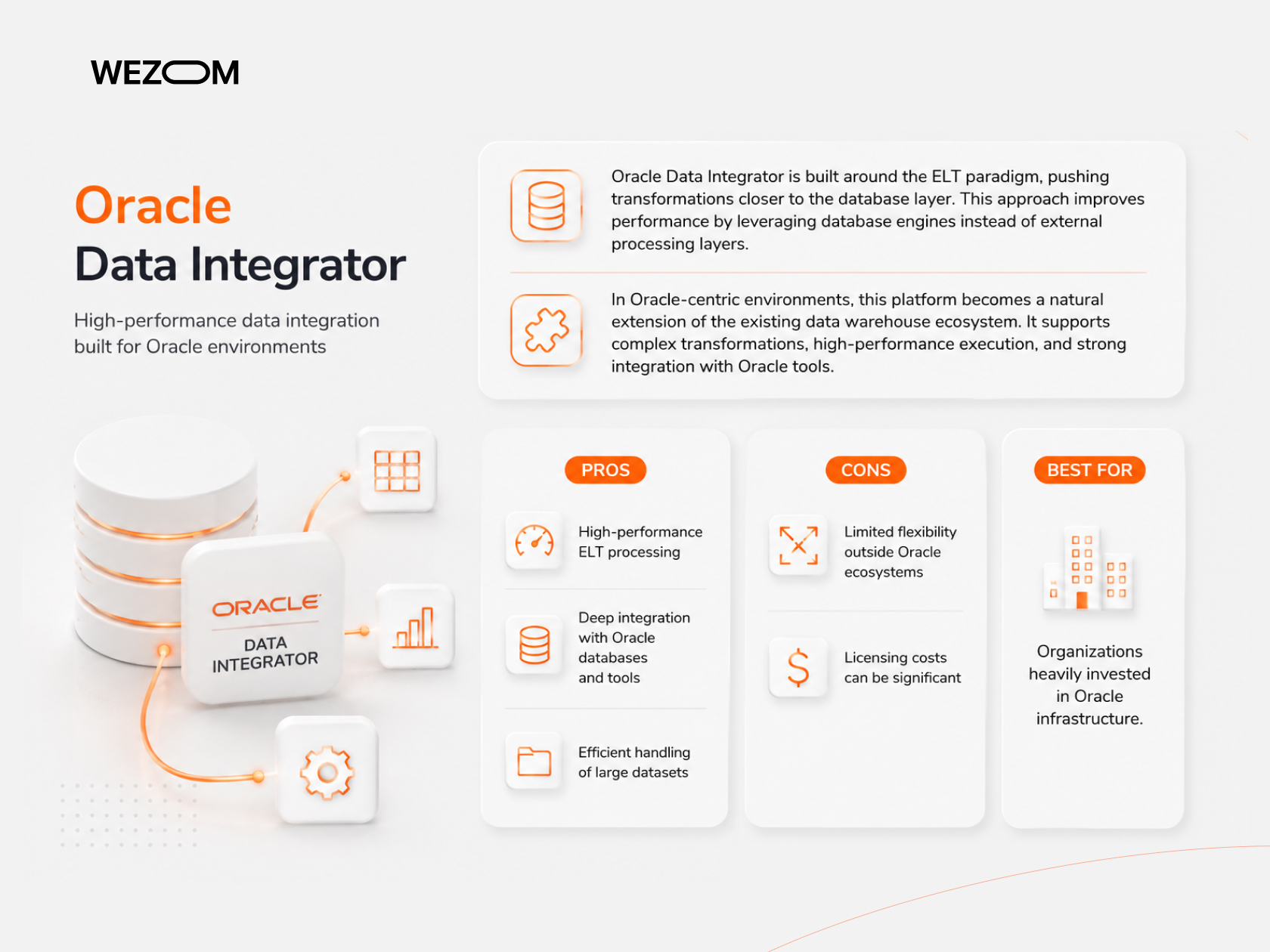
Oracle Data Integrator is built around the ELT paradigm, pushing transformations closer to the database layer. This approach improves performance by leveraging database engines instead of external processing layers.
In Oracle-centric environments, this platform becomes a natural extension of the existing data warehouse ecosystem. It supports complex transformations, high-performance execution, and strong integration with Oracle tools.
Pros:
- High-performance ELT processing;
- Deep integration with Oracle databases and tools;
- Efficient handling of large datasets.
Cons:
- Limited flexibility outside Oracle ecosystems;
- Licensing costs can be significant.
Best for (use case):
Organizations heavily invested in Oracle infrastructure.
SAP Data Intelligence
SAP Data Intelligence is designed to orchestrate data across SAP and non-SAP systems, making it one of the best enterprise integration platforms 2026 for SAP-driven organizations. It supports complex data orchestration, real-time pipelines, and advanced governance.
In enterprise environments, it is often used to unify operational and analytical data, enabling consistent reporting and decision-making across business units.
Pros:
- Strong integration with SAP systems;
- Advanced orchestration and governance capabilities;
- Support for hybrid and distributed environments.
Cons:
- High implementation complexity;
- Limited value outside SAP ecosystems.
Best for (use case):
Enterprises running SAP ERP and analytics platforms.
Dell Boomi
Dell Boomi is a leading iPaaS solution that simplifies integration through a low-code interface. It allows organizations to build workflows, connect applications, and automate processes without heavy engineering effort.
Its strength lies in speed – companies can deploy integrations quickly using pre-built connectors and templates. This makes it particularly valuable for businesses that need rapid deployment and flexibility.
Pros:
- Low-code interface for faster implementation;
- Strong connector ecosystem;
- Rapid deployment and scalability.
Cons:
- Limited customization for highly complex transformations;
- May not scale efficiently for extremely large data volumes.
Best for (use case):
Organizations seeking fast, low-code integration solutions.
MuleSoft Anypoint Platform
MuleSoft is widely recognized as one of the top integration platforms for API-led connectivity. It focuses on building reusable APIs that enable seamless communication between systems.
In modern architectures, especially microservices-based systems, MuleSoft plays a critical role in enabling real-time data synchronization and system interoperability.
Pros:
- Strong API management and integration capabilities;
- Excellent for microservices and distributed architectures;
- Real-time data processing support.
Cons:
- High licensing and operational costs;
- Requires experienced development teams.
Best for (use case):
Enterprises building API-first architectures.
Fivetran
Fivetran is one of the best data integration platforms 2026 for organizations prioritizing simplicity and automation. It focuses on fully managed ELT pipelines, removing the need for manual maintenance.
The platform is known for its reliability and extensive connector library, allowing businesses to quickly integrate data from multiple sources into cloud warehouses.
Pros:
- Fully automated pipelines with minimal maintenance;
- Large connector ecosystem;
- Fast deployment and scalability.
Cons:
- Limited customization for complex workflows;
- Costs can grow with data volume.
Best for (use case):
Teams focused on fast, low-maintenance data ingestion.
Stitch Data
Stitch Data is a lightweight solution among the best data integration platforms, designed for simplicity and cost-efficiency. It enables organizations to quickly build data pipelines and centralize data into cloud warehouses.
While it lacks the advanced capabilities of enterprise-grade platforms, it is often used as an entry point for companies beginning their data integration journey.
Pros:
- Easy to use and quick to deploy;
- Affordable pricing model;
- Suitable for basic data pipelines.
Cons:
- Limited scalability for large enterprises;
- Fewer advanced features and customization options.
Best for (use case):
Small to mid-sized teams starting with data integration.
Comparison Table of Top Data Integration Platforms
Selecting among the best data integration platforms requires a structured comparison of capabilities. Enterprises must evaluate deployment flexibility, support for real-time pipeline execution, pricing models, and alignment with business use cases.
The table below summarizes how the top integration platforms compare across key criteria:
| Platform | Deployment | Real-time support | Pricing model | Best use case |
|---|---|---|---|---|
| Informatica | Cloud / Hybrid | Yes | Subscription | Large enterprises |
| Azure Data Factory | Cloud | Limited real-time | Pay-as-you-go | Azure ecosystems |
| Talend | Cloud / Hybrid | Yes | Subscription | Data quality + integration |
| IBM DataStage | On-Prem / Cloud | Limited | License-based | Legacy modernization |
| Oracle Data Integrator | Hybrid | Limited | License | Oracle environments |
| SAP Data Intelligence | Hybrid | Yes | Subscription | SAP ecosystems |
| Dell Boomi | Cloud | Yes | Subscription | Low-code integration |
| MuleSoft | Cloud / Hybrid | Yes | Subscription | API-led integration |
| Fivetran | Cloud | Near real-time | Usage-based | ELT automation |
| Stitch | Cloud | Limited | Subscription | SMB data pipelines |
Best Data Integration Platforms by Use Case
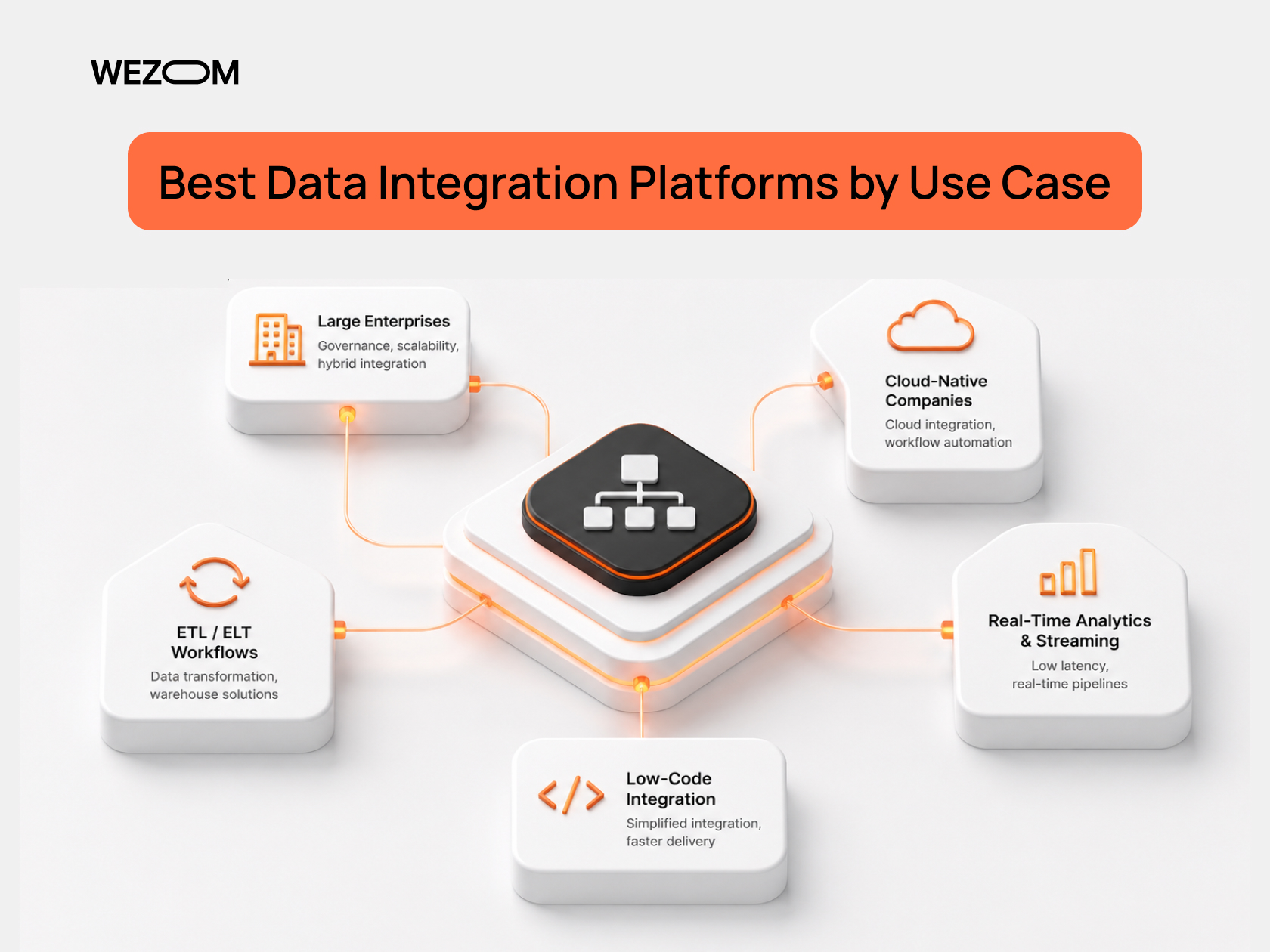
Choosing the best data integration platforms for enterprise depends heavily on operational needs rather than brand recognition alone. Different organizations require different capabilities depending on their architecture, data volume, and real-time requirements.
For large enterprises with complex ecosystems, platforms like Informatica and MuleSoft stand out due to their strong governance, scalability, and ability to orchestrate multiple data pipelines across hybrid environments. These platforms are designed to handle regulatory requirements and ensure consistent data synchronization across systems.
For cloud-native companies, Azure Data Factory and Fivetran are often considered among the best data integration platforms 2026. Their ability to integrate seamlessly with cloud infrastructure and automate workflow orchestration reduces operational overhead while maintaining performance.
Organizations requiring real-time analytics and streaming data pipelines should focus on platforms like MuleSoft or SAP Data Intelligence. These solutions provide advanced real-time integration capabilities and minimize latency, which is critical for decision-making in industries like finance or logistics.
For ETL and ELT workflows, Talend and Oracle Data Integrator provide strong data transformation capabilities. They enable efficient handling of structured and unstructured data, making them suitable for building scalable data warehouse solutions.
Finally, for low-code integration needs, Dell Boomi offers a simplified approach to building and managing integrations. This is particularly valuable for teams that lack extensive engineering resources but still require reliable automation and system connectivity.
Key Criteria for Choosing an Enterprise Data Integration Platform
Selecting the best enterprise data integration platforms requires a deep understanding of both technical and business requirements. The wrong decision can lead to increased costs, poor performance, and long-term operational inefficiencies.
Scalability is one of the most critical factors. Enterprises must ensure that the platform can handle growing data volumes across cloud, hybrid, and on-prem environments. A lack of scalability often results in bottlenecks and increased latency as the organization grows.
Another key consideration is the balance between real-time and batch processing. While batch pipeline execution remains relevant, modern organizations increasingly require real-time data synchronization to support operational decision-making.
Data governance and security are equally important. Enterprises must ensure that the platform supports compliance requirements, role-based access control, and secure data handling. This is particularly important in regulated industries.
The availability of API integrations and connectors also plays a major role. A strong connector ecosystem reduces development effort and accelerates deployment, enabling faster integration of new systems.
Ease of integration is another factor. Low-code or no-code capabilities can significantly reduce the time required to build and maintain workflows, especially for organizations with limited engineering resources.
Pricing models must also be evaluated carefully. Subscription-based models offer predictability, while usage-based pricing can scale with demand but may introduce cost uncertainty.
Performance and monitoring capabilities are essential for maintaining operational efficiency. Platforms should provide real-time visibility into pipeline performance and allow proactive issue resolution.
Finally, vendor support and ecosystem maturity can significantly impact long-term success. Established vendors typically offer better documentation, community support, and integration options.
Common Mistakes When Choosing Integration Platforms
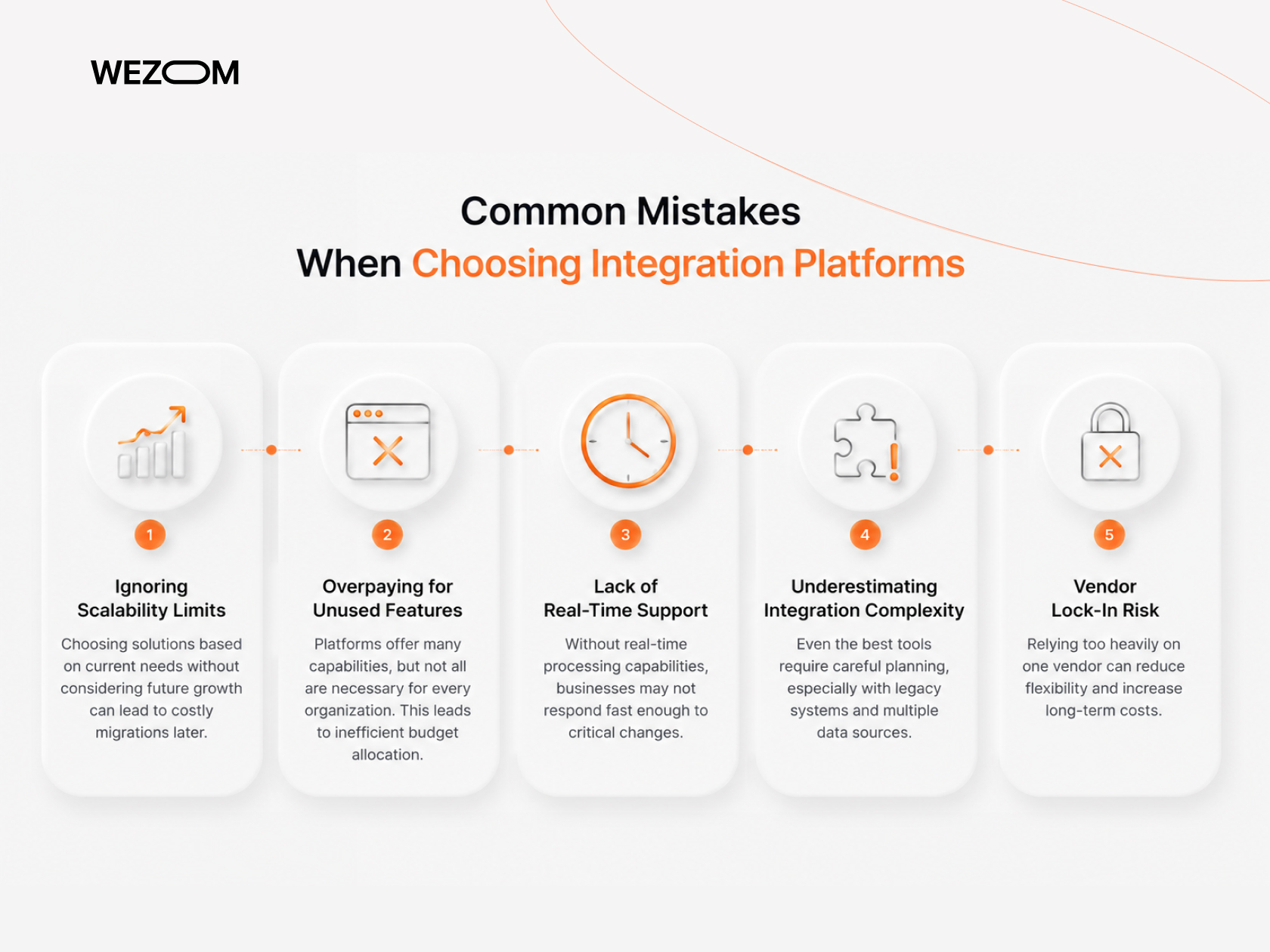
Despite the availability of advanced enterprise integration software, organizations often make critical mistakes during the selection process.
One of the most common issues is ignoring scalability limits. Many companies choose solutions based on current needs without considering future growth, leading to costly migrations later.
Another frequent mistake is overpaying for unused features. Enterprise platforms often include a wide range of capabilities, but not all are necessary for every organization. This can result in inefficient budget allocation.
Choosing tools without real-time support is another risk. As business environments become more dynamic, the ability to process data in real time becomes increasingly important.
Organizations also tend to underestimate integration complexity. Even the best integration software requires careful planning, especially when dealing with legacy systems and multiple data sources.
Vendor lock-in is another critical concern. Relying too heavily on a single vendor can limit flexibility and increase long-term costs.
Conclusion
The landscape of top enterprise data integration platforms 2026 reflects the growing complexity of modern data ecosystems. Organizations must evaluate platforms not only based on features but also on how well they align with long-term business goals.
The best data integration platforms for enterprise are those that combine scalability, real-time capabilities, strong governance, and ease of use. Whether the focus is on cloud-native environments, API-driven architectures, or large-scale data pipelines, the right platform can significantly improve operational efficiency and decision-making.
Ultimately, selecting the right solution requires a balanced approach that considers technical requirements, budget constraints, and future growth.
FAQ
What are the best enterprise data integration platforms in 2026?
The best enterprise data integration platforms 2026 include Informatica, MuleSoft, Azure Data Factory, Talend, and SAP Data Intelligence. The right choice depends on your architecture, data volume, and integration requirements.
What are the main challenges of enterprise data integration?
Key challenges include managing data across hybrid environments, ensuring data quality, maintaining real-time synchronization, and handling integration complexity with legacy systems.
How much do enterprise data integration platforms cost?
Costs vary depending on the platform and pricing model. Subscription-based platforms can range from moderate to high monthly fees, while usage-based pricing depends on data volume and processing needs.
What industries benefit most from data integration platforms?
Industries such as finance, healthcare, retail, logistics, and energy benefit significantly due to their reliance on real-time data and complex system integration.
How to choose the best integration software for your company?
To choose the best integration software, evaluate scalability, real-time capabilities, governance, connector ecosystem, pricing, and alignment with your existing infrastructure. Consider running a pilot project before full-scale implementation.
