
What's the most expensive mistake in any design project?
It's not hiring the wrong designer. It's not choosing the wrong technology. It's not even missing your deadline.
It's starting without a clear design brief.
A design brief is the document that defines what you're building, why you're building it, and how everyone will know when you've succeeded. Sounds simple, right? But most teams either skip it entirely or write something so vague it might as well not exist. The result? Weeks of rework, frustrated stakeholders, and designers pulling their hair out trying to read minds.
Writing an effective design brief just requires knowing what to include, what to leave out, and how to structure it so people actually read the thing.
This article will show you exactly how to create a design brief that works — one that aligns your team, sets clear expectations, and saves you from those painful "wait, I thought we agreed on..." conversations three weeks into the project. We'll cover what goes into a solid brief, share real examples you can adapt, and highlight the mistakes that turn briefs from helpful to useless.
What Does Design Brief Mean?
In real-world projects, a design brief acts as your project's north star. It's the reference point when stakeholders disagree, the reality check when scope starts creeping, and the proof that yes, we did discuss this three weeks ago.
Here's what makes it different from other project documents: a design brief focuses on the what and why before diving into the how. It's strategic before it's tactical. And honestly? That's why so many teams skip it or rush through it, they want to jump straight into execution.
That's a mistake.
Look, we've seen teams waste weeks building the wrong thing because they didn't spend two hours writing a proper brief. The brief doesn't slow you down. It speeds everything up by making sure you're running in the right direction.
What Is The Purpose Of A Design Brief? The Essential Components
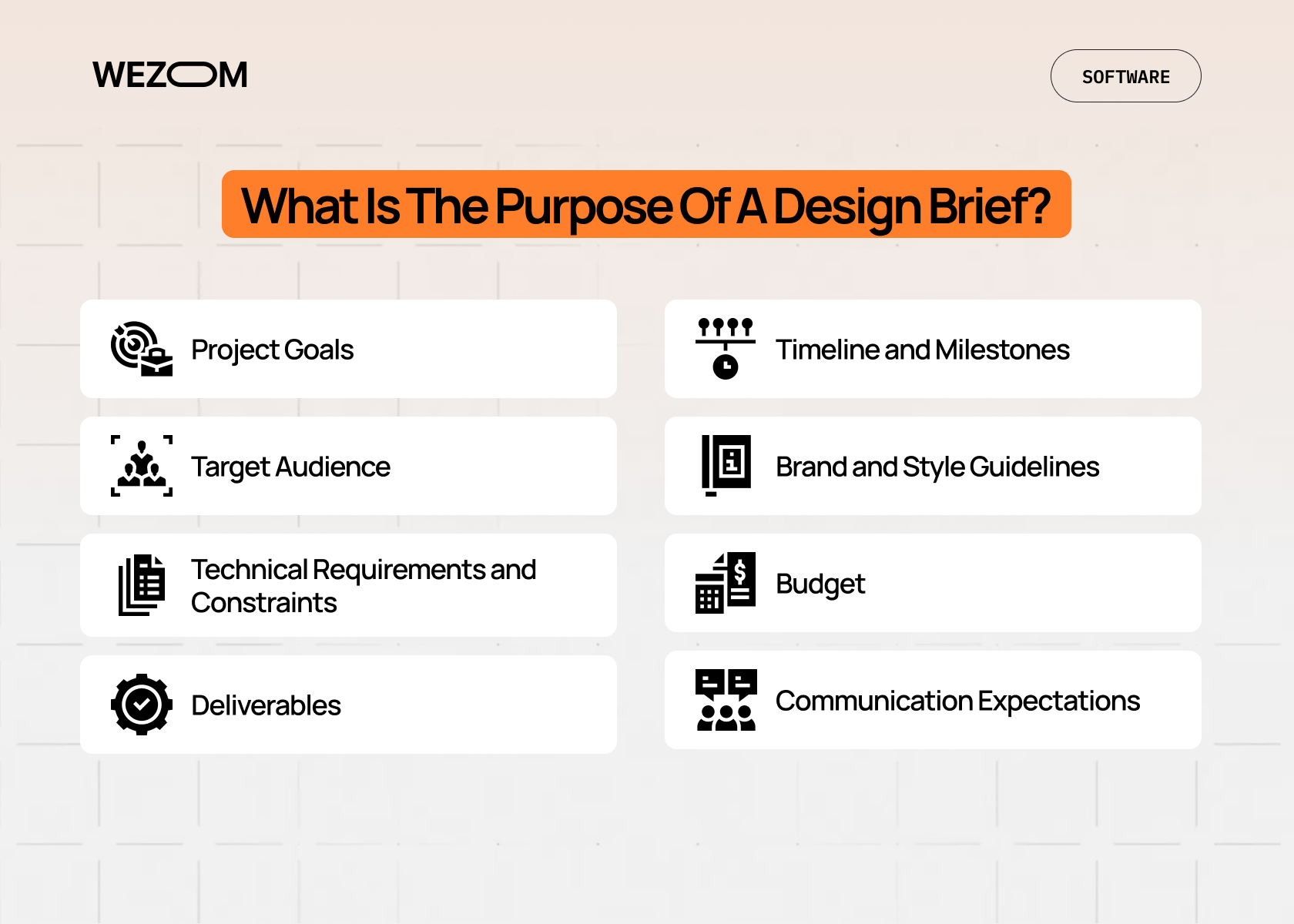
A solid design brief covers these key areas (though not every brief needs every element — context matters):
- Project Goals. What are we actually trying to achieve here? Not the features, not the deliverables — the actual business or user outcome. Maybe it's increasing conversion rates, or making a complex process simpler, or establishing brand recognition in a new market.
- Target Audience. Who's this for? And I don't mean "professionals aged 25-45" (that's useless). I mean: what problems do they face? What's their technical literacy? What alternatives are they currently using? One client told us they designed an entire app for "busy professionals" without realizing their actual users were checking it while standing in noisy factory floors. That context changes everything.
- Technical Requirements and Constraints. This is where reality enters the chat. What platforms are we supporting? What's the tech stack? Are there legacy systems we need to integrate with? Accessibility standards? Performance requirements? Constraints aren't limitations — they're creative boundaries. (And yes, sometimes they're frustrating boundaries, but they're still necessary.)
- Deliverables. Be specific. "A new website" isn't a deliverable. "A responsive website with 12 page templates, a custom CMS integration, and mobile apps for iOS and Android" is a deliverable. See the difference?
- Timeline and Milestones. When do you need what? Include key approval gates, feedback rounds, and dependencies. If the copywriter needs two weeks after design approval, say that. If legal review takes a month, factor that in now, not when you're already late.
- Brand and Style Guidelines. What's the look and feel? What's off-limits? Sometimes this is a detailed brand book; sometimes it's "clean, modern, not too corporate." Both can work if everyone agrees on what they mean.
- Budget. Yeah, we know. Nobody wants to talk about money upfront. But surprise budget constraints at week four? That's worse.
- Communication Expectations. How often are we syncing? Who approves what? What's the escalation path when (not if) something goes sideways?
"A design brief is the bridge between creative ambition and practical execution. It translates vision into action."
© WEZOM expert
Benefits of a Well-Written Design Brief
Quick question: how much time does your team spend in "alignment meetings" trying to figure out what everyone's supposed to be doing?
A good design brief cuts that in half. Maybe more.
When everyone knows the goal, the scope, and the constraints from day one, decisions get easier. You're not constantly circling back to figure out if this feature fits or if that design direction works.
You get better collaboration. Designers, developers, project managers, clients — everyone's reading from the same playbook. When technical teams understand the why behind design decisions, they can suggest better solutions. When designers understand technical constraints upfront, they don't waste time on impossible ideas.
And finally, clear alignment. You know what kills projects? Not lack of talent or resources. It's misaligned expectations. The client thinks you're building X, the designer's creating Y, and the developer's coding Z. A design brief prevents that disaster before it starts.
Breaking Down a Real Design Brief: An Example
Let's look at how an example of design brief might look like. Not a perfect theoretical example, something you could actually use tomorrow.
| Section | Example Content |
|---|---|
| Example Content | Customer Onboarding Dashboard Redesign. |
| Goal | Reduce time-to-first-value for new B2B customers from 14 days to 7 days by simplifying setup workflow. |
| Target Users | Mid-level managers at SMBs (20-200 employees), technical literacy varies, primarily accessing via desktop during business hours. |
| Core Problem | Current onboarding requires 23 steps across 5 different screens with no progress indication. Users abandon at 40% rate. |
| Success Metrics | 50% reduction in support tickets during onboarding, 75% completion rate (up from 60%), NPS score above 40. |
| Key Deliverables | Redesigned onboarding flow (max 3 screens), interactive progress tracker, contextual help tooltips, responsive design for tablet. |
| Timeline | 6 weeks: Week 1-2 research & concepts, Week 3-4 design & feedback, Week 5-6 final designs & handoff. |
| Technical Constraints | Must integrate with existing React frontend, maintain current API structure, support IE11 (unfortunately), load time under 2 seconds. |
| Brand Guidelines | Follow company design system v2.3, primary CTA color #2E7D32, max 2 fonts (Roboto for UI, Merriweather for headings). |
See how specific that is? You could hand this to a designer tomorrow and they'd know exactly what to do. Or at least what questions to ask.
Here's a simple framework you can adapt:
Project Overview:
- What we're building.
- Why we're building it.
- How we'll measure success.
Audience & Context:
- Primary users.
- Their main problems.
- Current solutions they use.
Scope & Deliverables:
- What's included.
- What's explicitly NOT included.
- Key milestones.
Requirements:
- Technical specifications.
- Brand/style requirements.
- Accessibility standards.
- Performance targets.
Logistics:
- Timeline.
- Budget range.
- Team structure.
- Approval process.
Copy this. Modify it. Make it yours. The best template is the one you'll actually use.
Common Mistakes in Writing a Design Brief
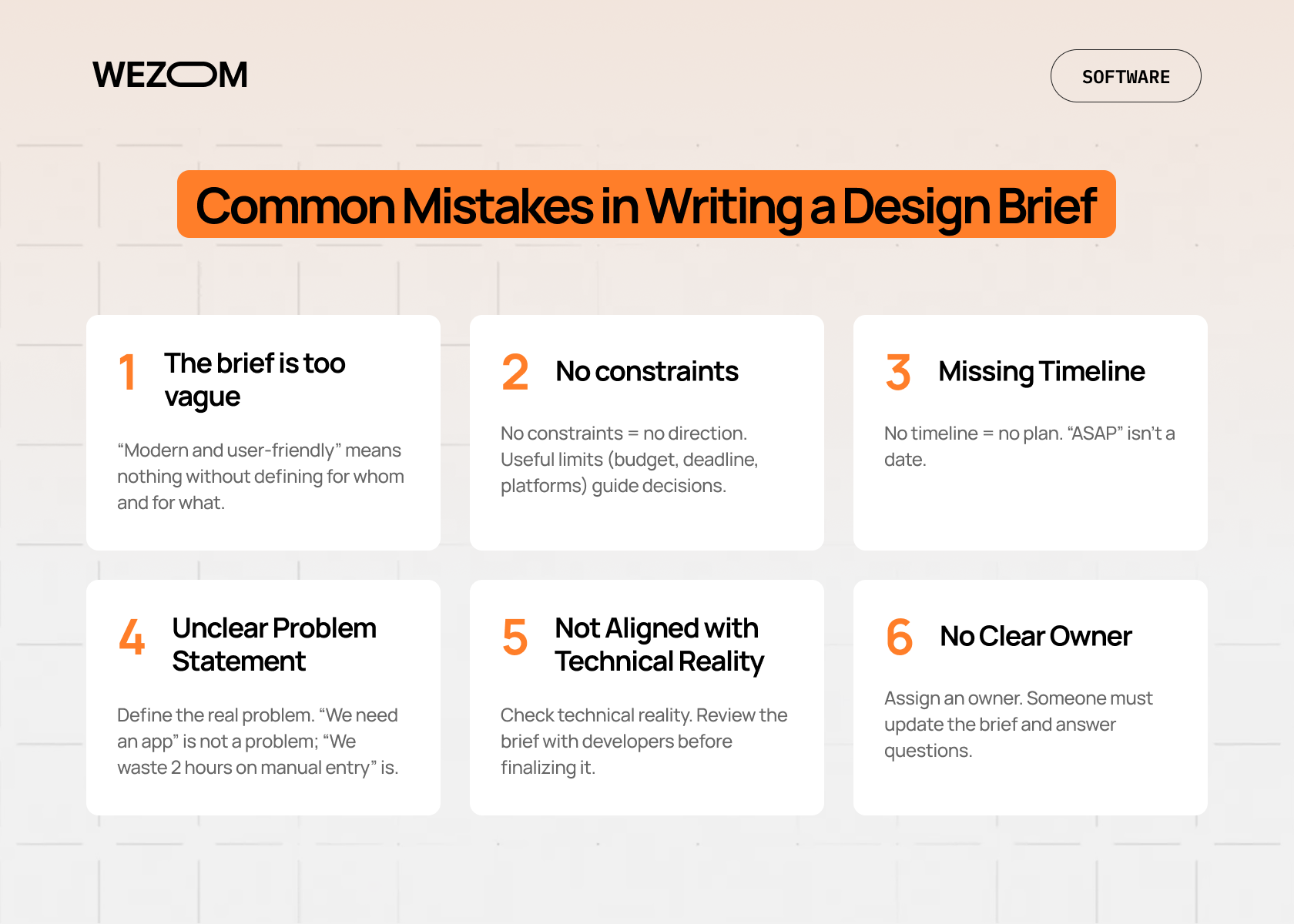
I think the biggest problem with design briefs isn't that people don't write them. It's that they write bad ones. Most frequent mistakes we come across are:
1. The brief is too vague. "Create a modern, user-friendly interface" tells us nothing. Modern according to whom? User-friendly for which users? What does that actually mean in practice?
Be specific. Use examples. If you can't describe it clearly in the brief, you definitely can't build it clearly in the product.
2. No constraints. Weirdly enough, "anything goes" is harder than "here are your boundaries." Unlimited freedom sounds great until you're facing unlimited options and no way to choose between them.
Good constraints: "Must work on mobile," "Budget caps at $50K," "Needs to launch before Q4," "Can't require users to download anything."
Those aren't restrictions, they're direction.
3. Missing Timeline. "As soon as possible" isn't a timeline. Neither is "urgent." When do you actually need this? What happens if it's late? What are the dependencies?
If you don't know, find out. If the client doesn't know, help them figure it out. An arbitrary deadline is better than no deadline, because at least you can plan around it.
4. Unclear Problem Statement. Sometimes briefs describe the solution instead of the problem. "We need a mobile app" isn't a problem statement. "Our field technicians waste 2 hours per day on manual data entry" is a problem statement.
Describe the problem well, and the solution might surprise you. (Maybe they don't need an app at all, maybe they need better forms.)
5. Not Aligned with Technical Reality. Look, designers and developers need to talk earlier. If your brief requires technology that doesn't exist yet, or integration with systems that won't allow it, you're setting everyone up for failure.
Run your brief past technical stakeholders before finalizing it. They'll save you from promising impossible things.
6. No Clear Owner. Who's responsible for this brief? Who updates it when things change? Who answers questions about it?
Probably should figure that out.
Making Your Design Brief Work in Practice
So you've written a great brief. Now what?
Treat it as a living document, not a contract carved in stone. Things change. New information emerges. Requirements evolve. That's fine, just update the brief and make sure everyone knows.
Use it in meetings. When someone suggests a feature, check the brief: does this align with our goals? When someone questions a decision, refer to the brief: here's why we agreed on this approach.
The brief is your proof that yes, this was discussed and agreed upon.
And look, sometimes you'll realize the brief was wrong. Maybe you misunderstood the user problem. Maybe technical constraints changed. Maybe the market shifted.
That's okay. Update the brief. Just make sure everyone knows you're updating it and why.
Tools That Make Design Briefs Easier
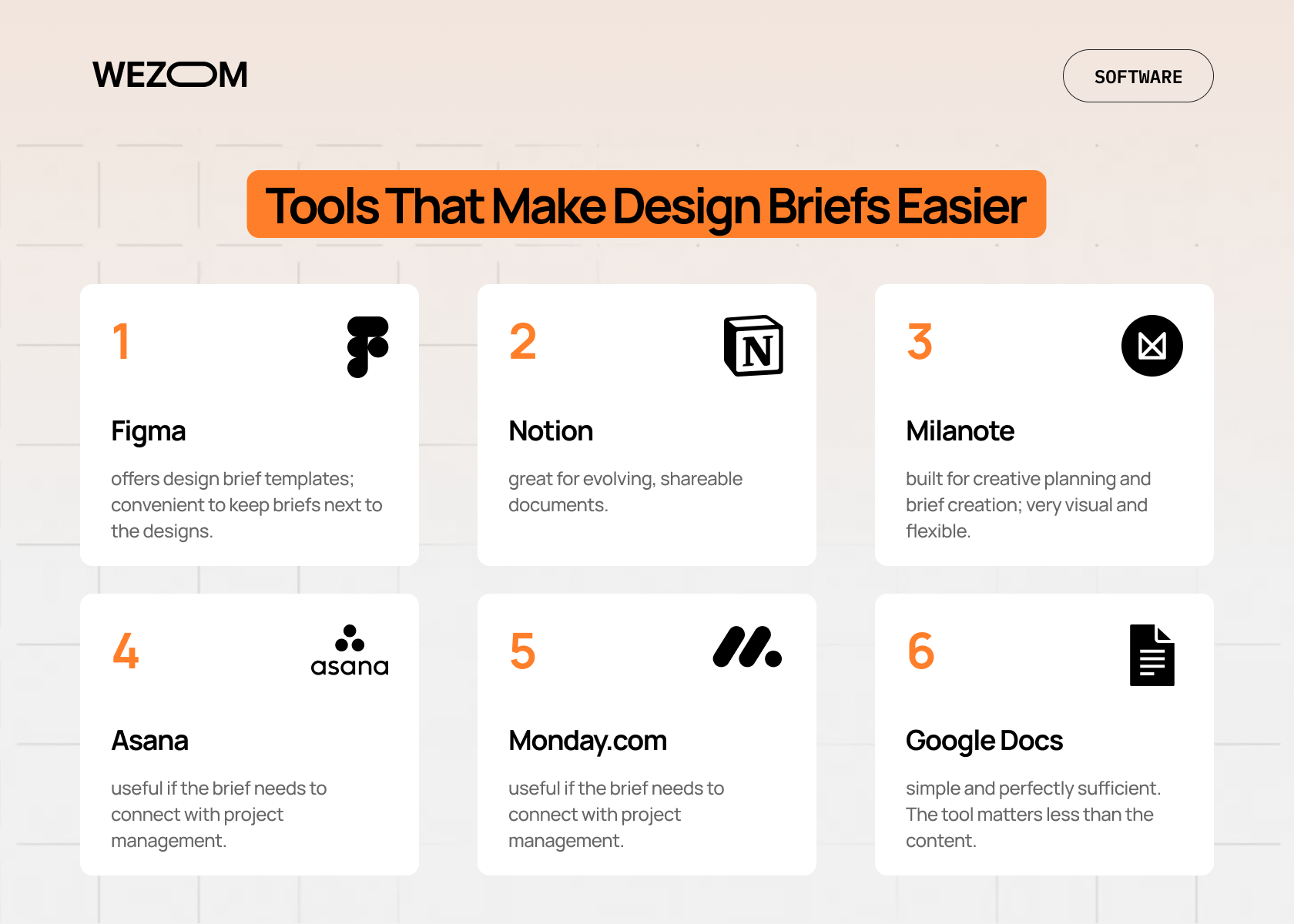
You don't need special software to write a design brief. Google Docs works fine. So does Notion, Confluence, or honestly just a well-structured Markdown file.
But if you want templates and collaboration features, here are some options:
Figma has design brief templates in their resource library. Makes sense — keep the brief next to the designs.
Notion is great for living documents that evolve. Easy to update, easy to share, good for cross-functional teams.
Milanote is specifically built for creative planning and brief development. Visual, flexible, intuitive.
Asana or Monday.com if your brief needs to integrate with project management workflows.
A simple Google Doc works too. Seriously. The tool matters less than the content.
Conclusion
A design brief isn't bureaucracy. It's not red tape or extra work or corporate nonsense.
It's the difference between building something great and wasting time building something nobody wanted.
Look, you can skip it. Lots of people do. They jump straight into Figma or start coding or have a "quick kickoff call" where nothing gets documented.
And then they wonder why projects take twice as long and cost twice as much.
Write the brief. Spend an afternoon getting clear on what you're building and why. Get stakeholders to agree. Document the constraints and requirements.
Ready to start right? Book a project planning session with our team. We'll help you create a brief that actually works.

FAQ
What is the main purpose of a design brief?
The main purpose is alignment. It ensures everyone (designers, developers, stakeholders, clients) shares the same understanding of project goals, scope, constraints, and success criteria before work begins. It's your reference point throughout the project when questions or disagreements arise.
Can a design brief be changed during a project?
Yes, but changes should be formal and documented. Update the brief when requirements evolve, note what changed and why, get stakeholder approval, and adjust timeline and budget accordingly. The goal is preventing undocumented scope creep, not creating rigidity.
What are the common problems caused by a poor design brief?
Misaligned expectations, excessive revision cycles, scope creep, missed deadlines, budget overruns, team conflicts, and ultimately building the wrong solution. A vague or incomplete brief forces teams to make assumptions, which rarely align with what stakeholders actually wanted.
Who is responsible for creating a design brief?
It varies by organization. Usually it's the project manager, design lead, or a collaborative effort between client and agency. The best briefs involve multiple perspectives — strategic, technical, user-focused, and business-oriented. Someone needs to own writing and maintaining it, typically the PM or design lead.
What tools or software can help create a design brief?
You don't need specialized tools, Google Docs, Notion, Confluence, or Markdown files work fine. For templates and collaboration features, consider Figma's resource library, Notion for living documents, Milanote for visual planning, or project management tools like Asana or Monday.com. The tool matters less than the content and clarity.
