
Have you ever encountered this:
- Your marketing team makes some changes to your CRM, but this data isn't automatically updated in the ERP system, resulting in customers receiving outdated prices or promotions?
- When you receive a customer order, the logistics department is forced to manually transfer the information to the internal WMS, which often leads to human-made errors?
- Your finance department is trying to create a unified profit report, but because the data is scattered between finance, sales, and a custom loyalty platform, it's incredibly time-consuming?
If such data silos are slowing down decision-making and provoking increasing operational costs, it's high time you recognized the urgent need to integrate your SaaS platforms and internal systems.
Why SaaS Coexistence Matters
SaaS solutions like HubSpot for marketing, Shopify for e-Сommerce, and NetSuite for financial accounting have become the standard for most businesses – they're easy to use, budget-friendly, easily scalable, and don’t require manual updates. However, once a company reaches a certain scale, it can't fully leverage its unique operational logic, which prompts it to also implement proprietary systems. The goal of such coexistence is to build a cohesive ecosystem where all these tools work together to enhance, rather than duplicate, functionality.
Common SaaS Integration Challenges
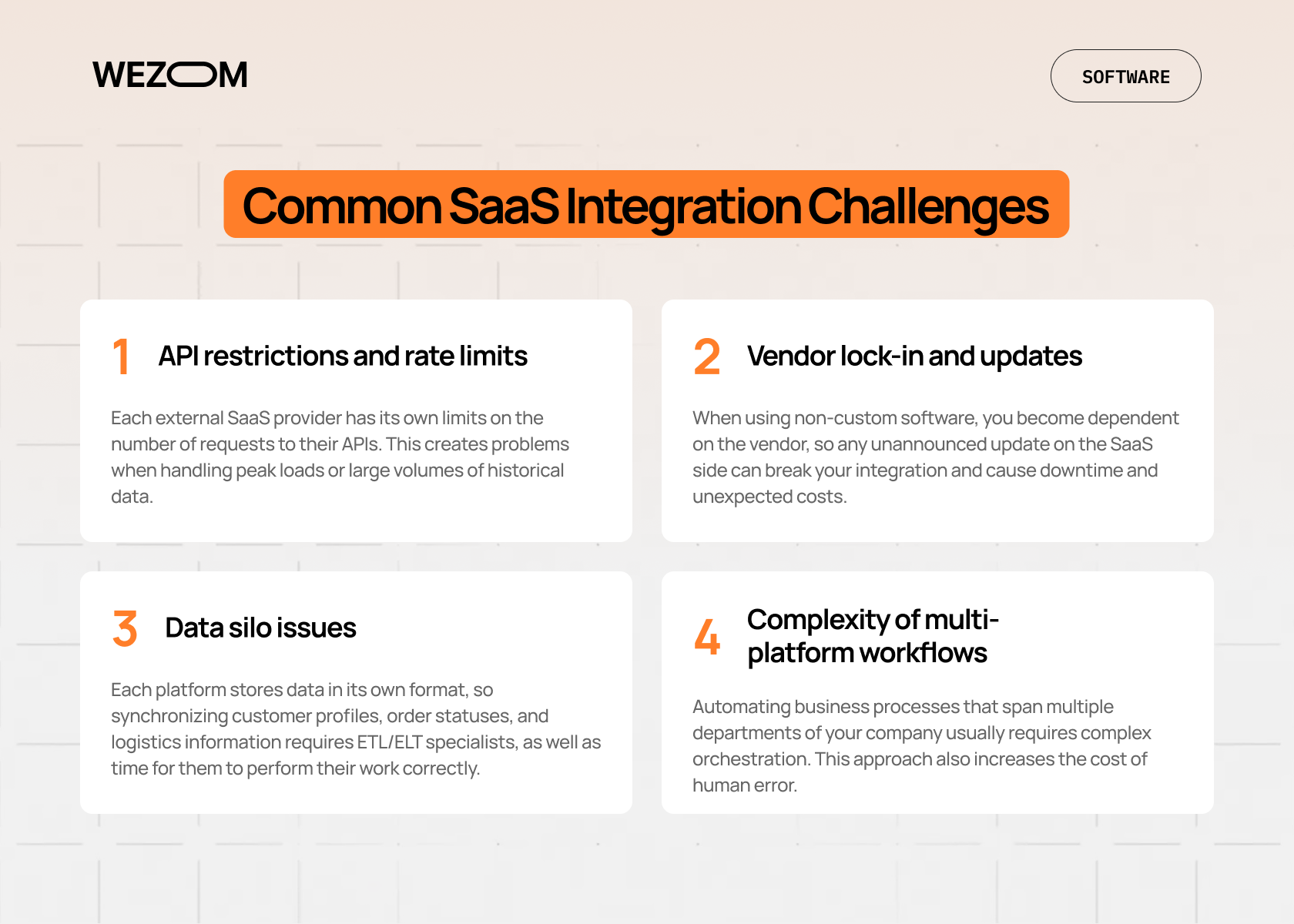
Integrating external commercial software with custom solutions always presents a number of challenges that require an expert approach. These include:
- API restrictions and rate limits. Each external SaaS provider has its own limits on the number of requests to their APIs. This creates problems when handling peak loads or large volumes of historical data.
- Vendor lock-in and updates. When using non-custom software, you become dependent on the vendor, so any unannounced update on the SaaS side can break your integration and cause downtime and unexpected costs.
- Data silo issues. Each platform stores data in its own format, so synchronizing customer profiles, order statuses, and logistics information requires ETL/ELT specialists, as well as time for them to perform their work correctly.
- Complexity of multi-platform workflows. Automating business processes that span multiple departments of your company usually requires complex orchestration. This approach also increases the cost of human error.
That's why, before entrusting these integrations to your in-house IT department, consider whether they have the necessary competencies. If not, write or call us, and we'll take care of it.
Principles for Coexisting with SaaS
To build a reliable architecture where well-known SaaS solutions coexist with proprietary ones, you need to follow these principles:
- Focus on complementary functions. First, you have to define the source of truth for each data type: for example, HubSpot will be the source of truth for marketing data, while your ERP will be the source of truth for inventory. Ultimately, you must avoid creating identical but inconsistent data sets.
- Maintain flexibility for future changes. Create middleware or use message brokers for integration – this will allow you to quickly replace your SaaS platform with a new one or upgrade your internal system without major transformations of your IT infrastructure.
- Ensure data synchronization and consistency. Implement a master data management system that will be used across all systems, defining which system is the master for each data type.
- Implement a modular, scalable architecture. It makes sense to adhere to a microservices architecture, where each module can operate independently, so that an external service failure doesn't bring down the entire infrastructure.
- Implement monitoring and error handling. Integrations can fail at any time, so you need to implement real-time logging, alerting, and automatic recovery mechanisms to prevent the loss of critical business data.
Along with the general principles, there are also different approaches to integration, which we'll discuss below.
Integration Approaches
“Healthy” coexistence of systems requires the correct choice of a method that meets the data volumes transferred between systems, the criticality of processes, and the performance required by your business.
API-first integration
This approach enables the creation of flexible systems that can boast high scalability and consist of proprietary solutions and external SaaS services interacting only through documented and standardized APIs. This ensures modularity, meaning if you decide to shift from your CRM to another one, you'll only need to change the API connector instead of the entire architecture. This means you have minimal vendor dependency and the ability to quickly integrate new digital services faster than your competitors.
Middleware/iPaaS solutions (like Zapier and MuleSoft)
Middleware or iPaaS serves as the "brain" of your digital infrastructure. Some of the most well-known include MuleSoft, Dell Boomi, Zapier, and Make. All of them allow you to implement complex workflows without having to code them from scratch. iPaaS platforms are most often used to orchestrate data between multiple SaaS platforms and your internal system, as they easily provide centralized data flow management, automatic data mapping, as well as real-time error monitoring.
Event-driven architecture
This is the most advanced approach of all described here and is applied when it's necessary to ensure data transfer between systems with minimal latency (technically, in real time, where delays of even a few seconds are unacceptable). Instead of systems constantly polling each other for new data, notifications are used. As soon as something happens – for example, a user updates an address or places a new order – the system generates an event, and all services associated with that event instantly receive the relevant information.
Batch data syncing vs real-time syncing
The choice between these two methods is determined by the criticality of your data. Specifically, batch syncing runs hourly or daily (for example, it may be relevant for transferring the company’s financial reports). Therefore, it makes sense to choose this approach for non-critical data to minimize the workload on external service APIs. Real-time syncing, on the other hand, is necessary for critical data (for example, updating inventory balances or changing payment statuses) and requires the use of event-driven architectures. This ensures that each system always relies on up-to-date data.
Low-code/no-code connectors
If you need to quickly connect two SaaS solutions without a development team, you should definitely consider low-code and no-code tools. With them, even ordinary business analysts and managers without coding skills can set up one-way data flows on their own. However, these connectors aren’t suitable for implementing complex business logic or processes in high-load systems.
Custom System Examples Around SaaS
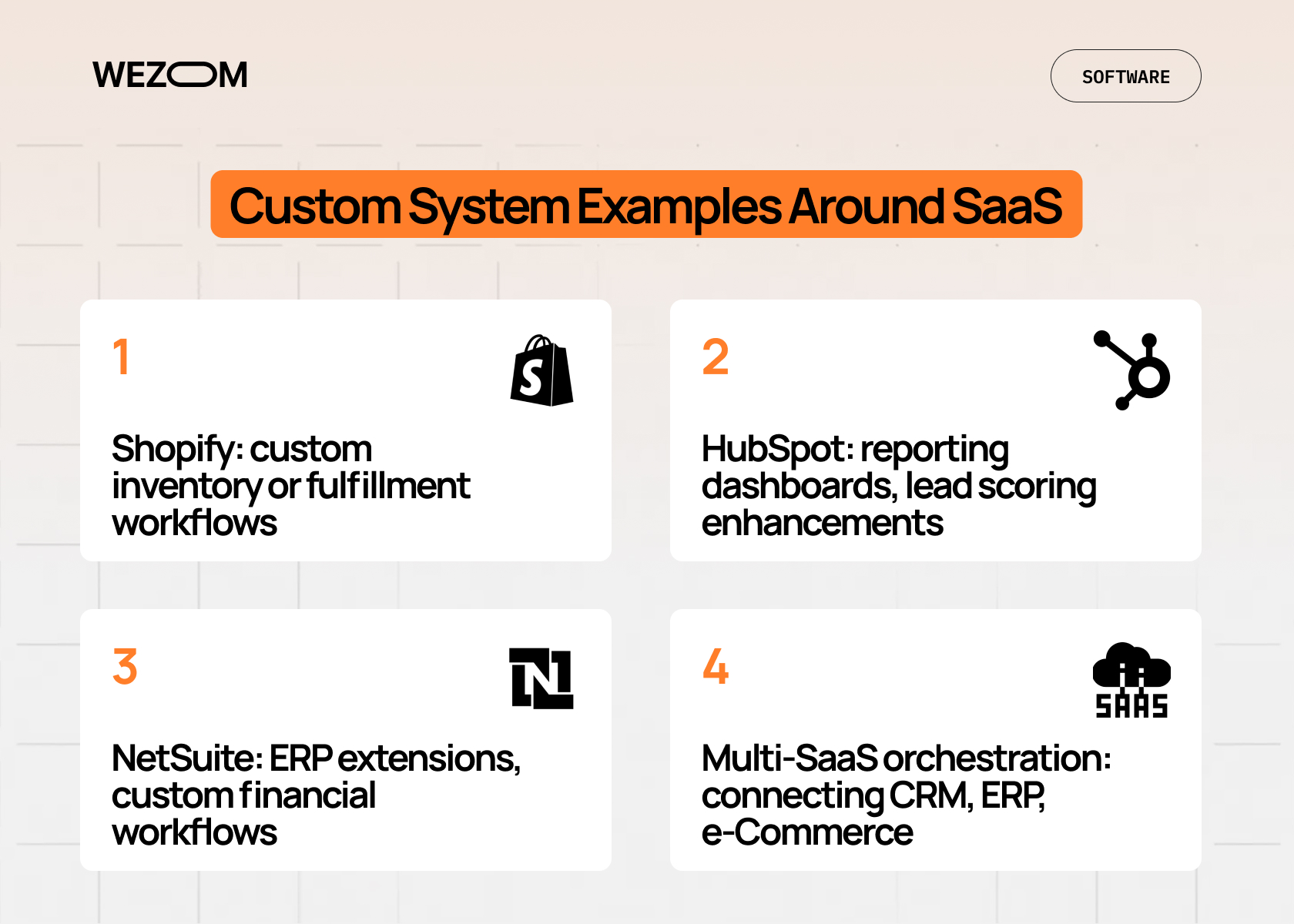
Integration truly shines when you understand how to fully utilize the strengths of your chosen SaaS platform. Below, we'll explore the most popular ones, each in its own segment.
Shopify: custom inventory or fulfillment workflows
Shopify is a modern product storefront and payment gateway. However, the platform's standard inventory capabilities may not be suitable for companies with complex logistics. A custom approach, in turn, involves using the Shopify integration API, which ensures real-time transfer of order data to the internal WMS, calculating the optimal route and returning the updated status to Shopify. This allows you to use Shopify as a front-end solution without having to transform your internal logistics processes, which may have taken years to perfect.
HubSpot: reporting dashboards, lead scoring enhancements
HubSpot handles lead tracking and email marketing automation, but for strategic reporting based on actual client TCO data from your ERP or technical support information from Jira, you still need a custom integration. The optimal solution here is the HubSpot API, which allows you to enrich your lead profile with unique data from your internal system. Such a HubSpot integration enables the implementation of more accurate predictive scoring, which will be extremely useful for your sales team.
NetSuite: ERP extensions, custom financial workflows
NetSuite is a popular enterprise resource planning solution, often used in the SMB sector. However, it's unsuitable for peculiar financial operations, such as unique tax structures or sophisticated budget approvals. This is where ERP extensions come in handy, as they integrate a custom microservice that performs specific financial calculations and then passes the resulting output to NetSuite. This allows you to use NetSuite's standard audit and compliance functionality, but with a touch of customization for other tasks.
Multi-SaaS orchestration: connecting CRM, ERP, e-Commerce
This is the most complex scenario, requiring building a unified architecture where the CRM transfers closed deals to the ERP for invoicing, and the e-Commerce platform receives payment status information for shipment. To implement this, you'll need middleware or iPaaS solutions – they consolidate data flows between systems, ensuring that each transaction is atomic and eliminates data loss at any stage.
Best Practices for Long-Term Coexistence
To ensure your hybrid ecosystem continues to benefit you for years to come, you'll need to follow a number of operational and architectural guidelines.
Maintain clear documentation
Your SaaS partner ecosystem documentation should include technical API specifications, a detailed description of the business logic (here, we refer to what happens to the order at each stage), and data mapping, that is, which HubSpot field corresponds to which ERP’s field. Otherwise, if someone leaves your IT department, the entire ecosystem risks becoming a black box.
Versioning and change management
Since cloud SaaS providers constantly update their APIs, you'll definitely need to implement versioning. This way, after a new version is announced, you can first develop and test the new connector and only then switch traffic to it without disrupting your current system.
Automated testing of integrations
Manually testing integration flows after every SaaS update is extremely resource-intensive; instead, it's far better to implement automated integration tests that will check end-to-end processes daily or after each deployment, thereby giving you confidence that even minor changes on your SaaS vendor's side won't cause a critical failure on your side.
Monitoring APIs for breaking changes
Instead of relying solely on notifications from SaaS vendors, you should implement proactive monitoring (for example, through Datadog or Prometheus) – it will help you check the performance of external APIs in real time and determine why they are not working (for example, rate limits have been exceeded, latency has increased, or a breaking change has occurred).
Align custom systems with business KPIs
Before creating a custom dashboard around HubSpot, you have to determine which KPI it should improve (usually lead-to-customer conversion rate). This way, you'll be able to ensure all your efforts are focused on maximizing ROI, rather than creating unnecessary functionality.
Common Pitfalls and How to Avoid Them
Now, let’s talk about the main pitfalls you may face when performing SaaS integration and how to deal with them.
Over-customization causing maintenance overhead
The idea of customizing a standard SaaS solution for your unique, but non-mission-critical processes always runs the risk of complicating subsequent updates and support, which ultimately entails colossal technical debt.
The solution to this problem, in turn, lies in adhering to the principle of minimal invasiveness. Actually, you don't need to rewrite the SaaS core; instead, it's much more efficient to use external systems like Shopify and HubSpot for trivial operations. As for custom solutions, they should be developed with your unique business logic in mind. In fact, ready-made SaaS functionality can cover approximately 80% of your regular business processes, with only 20% requiring custom automation. In any case, this will be much cheaper than customizing the ready-made system.
Ignoring SaaS vendor updates
Dependence on external APIs means that any uncontrolled update can break the logic in your integrations. For example, if a vendor changes the data structure or stops supporting an old API version, your system can stop working at the most inopportune moment.
To prevent this, you need to implement a staging environment that simulates production and provides testing capabilities for newly announced updates from your SaaS vendor. This way, you can proactively detect if your integration is no longer working, giving you enough time (usually around 30-60 days) to fix the connectors.
Poor error handling and logging
Timeouts, API limit exceeding, and service unavailability are inevitable in the long term. If these unfortunate events cause your system to simply lose data or require manual intervention to restore it, this will inevitably lead to financial losses and burnout for IT staff.
The solution to this problem is straightforward and lies in implementing a "Never Lose Data" policy. According to it, each transaction should have a retry mechanism with exponential backoff, while logging should be standardized (e.g., in JSON format) and provide three parameters: what went wrong, where, and why. When working with critical business data, it's also best to use message queues to ensure that data isn't lost even in the event of a server failure.
Lack of alignment with actual business processes
Sometimes IT architects develop SaaS workflow automation schemes without considering how sales, finance, and logistics specialists work. In particular, if your CRM is configured without aligning with the actual sales funnel, this creates user resistance and undermines the ROI of the entire IT infrastructure.
This is why you must involve end users during the design phase and implement an end-to-end audit of business processes before coding. After all, if a process is inconvenient for users, they will ultimately find a way to circumvent the system (for example, by using "shadow tools"), which will lead to even greater data chaos.
If you'd like to implement all of the above best practices and avoid the challenges typical of SaaS integration, feel free to write or call us.

FAQ
What does it mean to coexist with SaaS?
This is a strategy whereby, instead of replacing proprietary solutions, businesses integrate them with best-in-class external SaaS platforms. This enables the creation of a consolidated digital ecosystem with seamless data transfer between individual services.
How do APIs facilitate building around SaaS?
An API acts as a standardized contract that allows your custom systems to securely exchange data with external SaaS services without direct access to their codebases.
How to integrate Shopify with custom workflows?
This is typically done using Shopify's API Webhooks. When your customers perform such operations as creating an order, changing an order status, etc., Shopify sends a notification to your server. Your custom microservice then receives the corresponding notification and triggers a relevant internal process (for example, generating a shipping slip in WMS).
What monitoring is needed for SaaS integrations?
For this purpose, real-time, end-to-end monitoring is typically implemented, including tracking API latencies, error codes, the number of requests to external services, and data integrity (that is, whether a full transaction cycle was successfully completed).
Can multiple SaaS tools be integrated together?
Yes, this is called multi-SaaS orchestration, which implies using a centralized iPaaS platform as middleware or an enterprise service bus to manage data flows seamlessly between three or more systems.
