
The embedded human-machine interface industry faces a contradiction today: while consumers expect devices to deliver the real-time performance of standard tablets, the hardware remains constrained by limitations regarding energy efficiency, processor cores, memory, and more. In theory, one could port web frameworks to microcontrollers, but any logic of even moderate complexity leads to lag and crashes. Below, we describe how we tackle these challenges.
Embedded HMI Development for Modern Embedded Systems
Our HMI development experience shows that success lies at the intersection of a thorough understanding of hardware constraints and the ability to build a lightweight HMI architecture.
What Defines an Embedded HMI System?
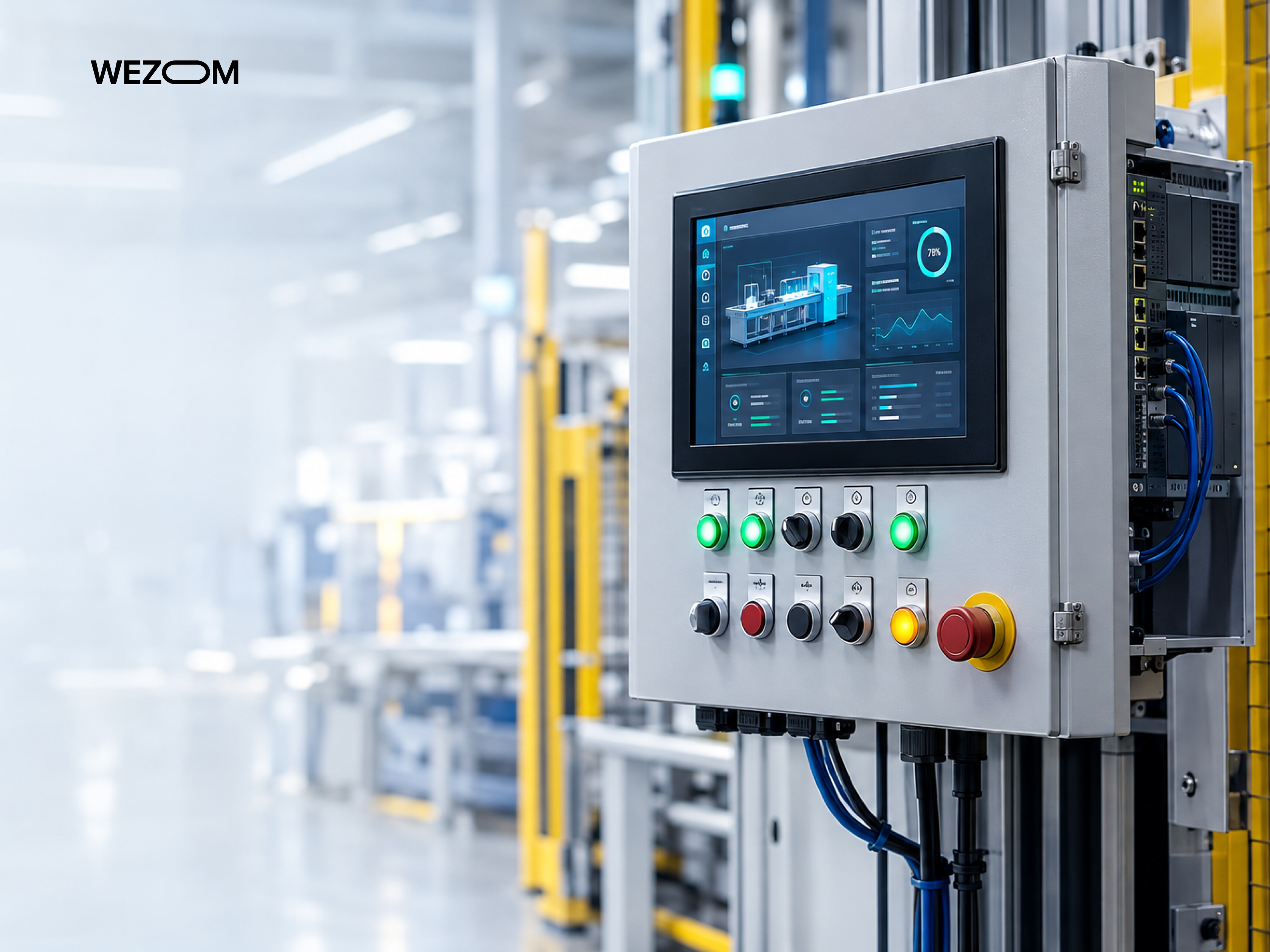
An embedded human machine interface is essentially a graphical screen with buttons tightly integrated with peripheral display drivers and real-time logic. It constitutes a complete ecosystem in which the hardware platform and the interface function as a unified whole, ensuring instantaneous response times even under peak processor load.
Embedded HMI vs Traditional Graphical User Interfaces
GUIs are typically developed for desktop/mobile OSes that feature gigabytes of RAM and the ability to allocate resources dynamically. In contrast, embedded HMIs always contend with resource constraints, where even a minor memory overrun can, in a split second, cause an emergency shutdown of industrial equipment or a life-critical medical device.
Main Components of an HMI Embedded Architecture
Designing HMI embedded interfaces should be based on a three-layer approach: a hardware layer comprising an MCU/MPU with a graphics accelerator; a system layer including an RTOS or optimized Linux with custom drivers; and an application layer utilizing a cross-platform embedded GUI development framework. This approach ensures the isolation of the graphics subsystem from control tasks.
Common Embedded HMI Applications Across Industries
Today, experienced embedded HMI development teams successfully launch HMI solutions for the healthcare, automotive, smart home, and industrial sectors – for any field where interface reliability and responsiveness are synonymous with human safety.
Embedded GUI Development Architecture and Technology Stack
Choosing the right technology stack determines not so much the speed of embedded GUI development as the long-term market viability of the solution.
Hardware, Display Controller, and Graphics Processing Layer
GPU acceleration is an essential aspect of such projects. To achieve this, it is worth considering display controllers that support Chrom-ART and hardware layer blending. This guarantees thrifty CPU utilization and ensures 60 FPS, even on budget-friendly microcontrollers like STM32/NXP.
Operating Systems, RTOS, and Bare-Metal GUI Development
Depending on interface responsiveness requirements, you might consider deterministic RTOSs like FreeRTOS/ThreadX (for critical tasks requiring instant context switching), bare-metal solutions (for monochrome screens), or embedded Linux distributions (for multimedia panels).
Graphics Libraries, Middleware, and Application Logic
It is important here to use graphics libraries capable of adapting to specific hardware – such as LVGL or TouchGFX – as they allow developers to build the embedded GUI architecture so that logic and visual presentation are decoupled (for instance, you can follow the MVC pattern). This has a positive impact on HMI testing quality and future product scalability.
Touchscreen, Buttons, Sensors, and Other HMI Input Methods
Integrating all these elements requires filtering out contact bounce, interference from power circuits, and the like; this ensures the touch controllers are resistant to electromagnetic interference. Such attention to detail also enables embedded GUI development teams to create effective hybrid control schemes incorporating encoders and hardware buttons.
Choosing the Right Display Resolution, Color Depth, and Frame Rate
Optimizing display parameters requires considering both visual appearance and data bus bandwidth. To achieve this, developers must fix the color depth (with 16-bit RGB565 considered the minimum acceptable standard) and implement double/triple frame buffering in external SDRAM. This approach eliminates image tearing.
Embedded GUI Development Frameworks and Graphics Libraries
All embedded GUI frameworks have their own specifics determined by their architectures and specific system resource requirements. So, let’s check this brief embedded GUI framework comparison.
LVGL for Lightweight Embedded GUI Development
The Light and Versatile Graphics Library is the standard for resource-constrained microcontrollers. Written in C using object-oriented programming principles, this embedded GUI library can boast efficient Flash and RAM usage, enabling the creation of responsive interfaces even on budget-friendly MCUs without the need for external RAM.
Qt for Embedded Devices and Advanced HMI Applications
When it comes to Linux-based solutions, Qt for MCUs remains the number-one option, as this embedded graphics framework offers a vast array of components for creating multimedia interfaces, automotive dashboards, industrial workstations, and much more – all supported by the QML language.
TouchGFX for STM32-Based Embedded HMI Development
This tool is tailored to the STMicroelectronics ecosystem and optimized for Chrom-ART graphics accelerators. It enables developers to create graphical interfaces integrated with the hardware capabilities of STM32 chips, ensuring superior touchscreen interface responsiveness.
Embedded Wizard for Cross-Platform Embedded GUIs
Embedded Wizard can generate optimized C code from visual HMI prototyping, making it an excellent choice for cross-platform development for mid-range devices where the speed and independence from heavy, "one-size-fits-all" graphics libraries are crucial.
Crank Storyboard for Automotive and Industrial HMI
Архитектура Crank Storyboard разделяет логику приложения (написанную на C/C++, Python или Lua) и графическое представление. Такой подход позволяет дизайнерам и инженерам работать параллельно, что критически важно для сложных автомобильных и промышленных проектов с высокими требованиями к кастомизации.
Slint for Modern Embedded UI Development
It is a declarative framework written in Rust (though it also supports C++ and JavaScript). It is chosen by embedded software development teams seeking a resource-efficient solution suitable for new lines of embedded devices.
How to Compare Embedded GUI Development Framework Options
Comparing HMI frameworks should always take three aspects into account: hardware performance, UI requirements, and framework licensing costs. In other words, before making a choice, you must evaluate how a specific tool consumes RAM/Flash memory, whether it offers ready-made display drivers, how well-suited it is for visual design, and how difficult it is to integrate into an existing codebase.
How to Choose an Embedded GUI Development Framework
Ultimately, the correct framework selection saves the project from costly rework during the later stages.
MCU vs MPU Hardware Requirements
The choice between MCU and MPU determines the class of the graphics system – while lightweight libraries like LVGL and TouchGFX are better suited for the former, for the latter it makes sense to consider Qt/Web technologies.
RAM, Flash Memory, and Storage Constraints
The need for memory optimization dictates the small size of icons, fonts, and the like; therefore, the architecture must provide for image compression and the storage of large resources in external SPI Flash or eMMC.
GPU and Hardware Acceleration Support
A hardware accelerator optimizes rendering performance by enabling HMI software development teams to implement layer blending and scaling directly at the hardware level. This way, hardware acceleration offloads the CPU, thereby ensuring 60 FPS.
Cross-Platform Compatibility and Hardware Portability
The ability to port the interface to new hardware without altering business logic saves project budget and time when there appears a need to change the component base or release new device models.
Development Tools, Documentation, and Ecosystem
The use of WYSIWYG editors and PC-based simulators, as well as documentation support and community activity, also determines the product's time-to-market.
Licensing and Commercial Deployment Considerations
Using frameworks for commercial purposes requires a legal analysis of licensing policies. In particular, it is important to check the specifics of LGPL licenses for open-source libraries or commercial subscriptions for proprietary SDKs.
Long-Term Maintenance and Framework Support
When selecting a tool, be sure to consider the device's lifecycle (typically around 10–15 years in the industrial sector); this provides long-term support and regular security updates from the vendor.
Embedded HMI UI/UX Design Best Practices
Designing interfaces for embedded systems must take into account ergonomics and the specifics of physical interaction with the device.
Designing Interfaces for Small and Embedded Displays
Screen dimensions are very limited, necessitating a compact presentation of information. Therefore, it is essential to minimize visual clutter and avoid overloading the display with secondary elements.
Touch Target Size and Interaction Design
Because of the possibility of operating the device while wearing gloves or while the vehicle is in motion, the size of interactive zones must strictly adhere to ergonomic standards (specifically, a minimum of 48x48 pixels to ensure accurate tapping).
Information Hierarchy and Screen Navigation
Transitions between screens must be intuitive, meaning the user should not have to spend time searching through multi-level nested menus.
Designing Real-Time Feedback and System Status Indicators
The system's immediate response to operator actions must be implemented by default; that is, any press or change in process state must be accompanied by an indication, such as an icon change or a corresponding animation.
Day, Night, and High-Contrast HMI Interfaces
The ability to switch color schemes and support high-contrast palettes is necessary to ensure the equipment operates effectively in bright sunlight or, conversely, in total darkness.
Accessibility and Localization in Embedded GUI Development
Multilingual support and ensuring accessibility (for example, in accordance with WCAG guidelines) maximize market reach and guarantee ease of use.
Preventing User Errors in Safety-Critical HMI Systems
In high-risk systems, the interface must be capable of implementing protective mechanisms such as confirmation of critical actions, blocking of erroneous commands, visualization of emergency warnings, and so on.
Embedded GUI Performance Optimization
To ensure performance optimization for an embedded interface, embedded UI development teams must take a systematic approach to utilizing both the system's hardware and software resources.
Reducing RAM and Flash Memory Consumption
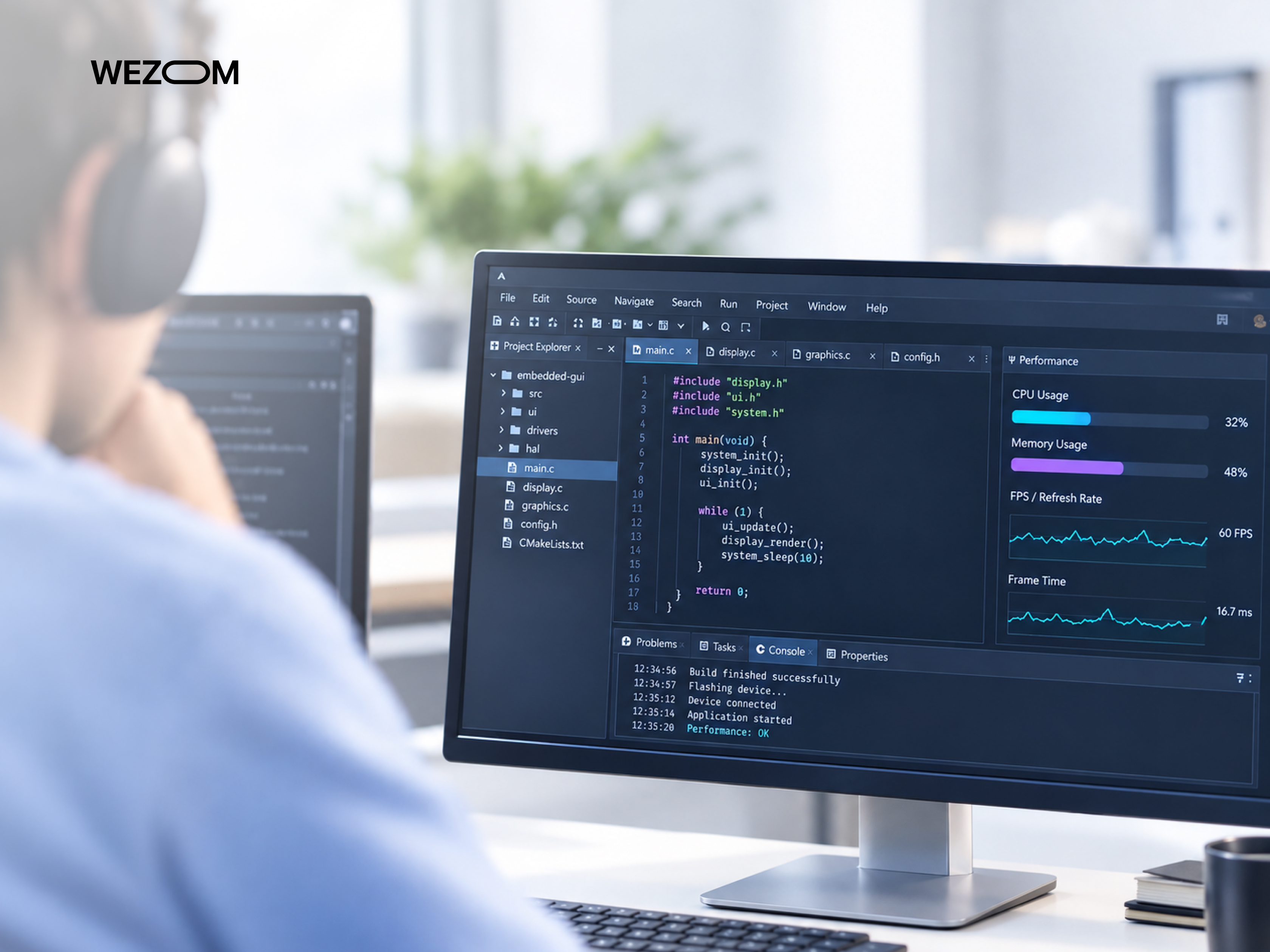
To save RAM/Flash memory resources, it makes sense to use static memory allocation, resource compression, and minimized buffer sizes. This makes it possible to stay within the hardware limits of even the cheapest microcontrollers without compromising functionality.
Improving Rendering Speed and Frame Rate
Achieving 60 frames per second requires optimizing the rendering pipeline. This involves properly structuring the widget hierarchy and minimizing redundant repaints of interface elements.
Partial Rendering, Buffering, and Dirty Rectangle Techniques
Rendering only the changed areas of the screen and using double-/triple-buffering schemes reduce the load on the processor and memory bus bandwidth.
Optimizing Images, Fonts, Icons, and Animations
Graphic assets must be converted to optimized color formats, and fonts subsetted to include only the glyphs actually used. As for animations, they should rely on hardware-accelerated transformations, avoiding resource-intensive software calculations.
Using GPU and 2D Graphics Accelerators
The use of hardware graphics accelerators and controllers for filling, layer blending, and scaling allows developers to free up CPU resources for business logic.
Reducing Boot Time and Initial Screen Load
Reducing the device's cold boot time to the first interactive screen is important for the medical and automotive industries. This is achieved by optimizing display driver initialization and the loading of critical assets.
Balancing Visual Quality and Embedded Hardware Limitations
Finally, it is essential to strike a balance between smoothing, color depth, and system performance so that the interface looks good even on low-power chips.
Embedded HMI Development Workflow
A well-thought-out development life cycle ensures that risks are minimized at every stage of the project.
Requirements Analysis and Hardware Assessment
At the very beginning of the project, the team must thoroughly analyze the technical specifications and align the interface requirements with the processor and memory capabilities (adjusting either the requirements or the hardware specifications, if possible).
HMI Prototyping and UX Validation
Next, the team must develop interactive prototypes. These allow for the quick and cost-effective testing of navigation and UX before any hardware is purchased.
Selecting an Embedded GUI Development Framework
The information obtained during the previous stages should serve as the basis for selecting a graphics framework that meets the project requirements.
UI Implementation and Hardware Integration
Writing code for the user interface must involve integrating low-level drivers for the touchscreen, display, and peripheral input devices.
Connecting the GUI With Embedded Application Logic
The graphical interface must be decoupled from the logic via standardized interfaces. This makes the code clearer, more structured, and easier to unit test.
Performance Profiling and Optimization
Performance profiling should focus on detecting memory leaks, drops in frame rate, and delays in interface rendering.
Deployment, Validation, and Production Support
This is the final stage, which includes stress embedded UI testing, software deployment, firmware integration, and subsequent support, taking into account potential hardware upgrades.
Embedded HMI Software and Hardware Integration
The interface serves as a sophisticated control panel for a vast array of sensors and controllers; therefore, it is important to understand how they all work together.
Connecting HMI Software With Sensors and Controllers
The HMI software provides regular polling of sensors, displaying their current status in real time.
CAN, UART, SPI, I2C, Ethernet, and Other Interfaces
Exchanging data with peripheral devices and external modules requires specialized industrial interfaces and data buses with built-in packet integrity monitoring.
Real-Time Data Visualization in Embedded GUIs
Dynamic graphs and digital indicators must update in real time so that the operator can instantly assess the process parameters.
Device State Management and Event Handling
A centralized device state management system is used to handle hardware interrupts and errors; therefore, it is crucial that it operates without causing the interface to freeze.
Integrating Embedded HMI With IoT and Cloud Platforms
Embedded panels are typically connected to cloud platforms via MQTT/HTTPS protocols, enabling remote monitoring and over-the-air updates.
Testing Embedded GUI and HMI Applications
Testing of embedded interfaces must be multi-level; only in this way, you obtain a guarantee that the software shell will function as intended throughout the device's entire lifecycle.
Functional Testing for Embedded User Interfaces
Functional testing involves verifying the correctness and responsiveness of input actions, screen transition logic, and the display of text labels, as well as generally assessing the accuracy of element behavior against the technical specifications.
GUI Performance and Resource Usage Testing
The project team must implement continuous monitoring of RAM and Flash memory usage, as well as check CPU load levels and measure the frame rate. This will help prevent lag and freezing.
Touchscreen and Hardware Interaction Testing
This involves testing physical interaction, including verifying the positioning accuracy of capacitive and resistive panels, glove-friendly interface operation, and resistance to false triggers caused by electromagnetic interference, among other factors.
Automated Embedded GUI Testing
Automating regression testing using virtual simulators and hardware-based image capture setups makes sense, as it allows you to verify interface stability after every update.
Stress Testing and Long-Running HMI Applications
Don't overlook 24/7 stress testing; it helps identify memory leaks, heap fragmentation, and overall performance degradation of the graphics subsystem.
Testing Embedded HMI Under Real-World Environmental Conditions
Finally, you need to verify the hardware's resilience against high temperatures, high humidity, vibration, direct sunlight, and other harsh field conditions.
Security and Reliability in Embedded HMI Development
Now, let’s examine how user data protection, functional safety, and fault tolerance are ensured for industrial, automotive, and medical device HMI systems.
Secure Communication Between HMI and Embedded Controllers
The first step of providing end-to-end HMI cybersecurity is to encrypt the communication channels between the graphics module and the main control microcontroller; this helps prevent command interception and malicious injections.
Protecting Sensitive User and Device Data
Confidential data of users, security settings, and cryptographic keys must be stored in highly secure hardware storage.
Secure Firmware and HMI Software Updates
Next, you need to consider how secure boot mechanisms and encrypted over-the-air updates will be implemented to protect against unauthorized firmware modification.
Fail-Safe UI Behavior and Error Recovery
Interface logic must be fault-tolerant. This means that the system must be capable of automatically switching to a safe mode in the event of a communication failure or rendering error.
Reliability Requirements for Automotive, Medical, and Industrial HMI
This entails ensuring compliance with industry safety standards – specifically in sectors where user interface response speed impacts human safety and the continuity of technological processes (here, we mean automotive HMIs, medical HMIs, industrial HMIs, and so on).
Embedded HMI Development for Different Industries
Each industry has specific requirements regarding hardware and the reliability standards of embedded interfaces.
Automotive HMI and Digital Cockpit Development
Automotive dashboard and infotainment system development requires instant response to user actions, CAN bus support, and ISO 26262 compliance.
Industrial HMI and Control Panel Interfaces
Industrial panels must be tailored to operators working in shop-floor environments; this means they must withstand dust, moisture, vibration, and other harsh environmental factors.
Medical Device GUI Development
Medical equipment interface design must comply with FDA standards. This eliminates information ambiguity and dosage input errors.
Consumer Electronics and Smart Home Interfaces
In these sectors, the focus must be on creating responsive, intuitive interfaces that can be used seamlessly by people with varying levels of technical proficiency.
EV Charging and Energy Management HMI
Here, it is crucial to focus on creating robust interfaces, given their most common use cases – such as outdoor EV charging stations and distributed energy generation monitoring systems – which necessitate protection against vandalism.
Embedded GUI Development for IoT Devices
Integrating displays into wireless sensors and IoT devices requires optimizing power consumption to ensure battery life spanning months or even years.
Common Embedded GUI Development Challenges
Every embedded GUI project faces a number of typical challenges, which can be solved thanks to time-proven HMI development best practices.
Limited Memory and Processing Resources
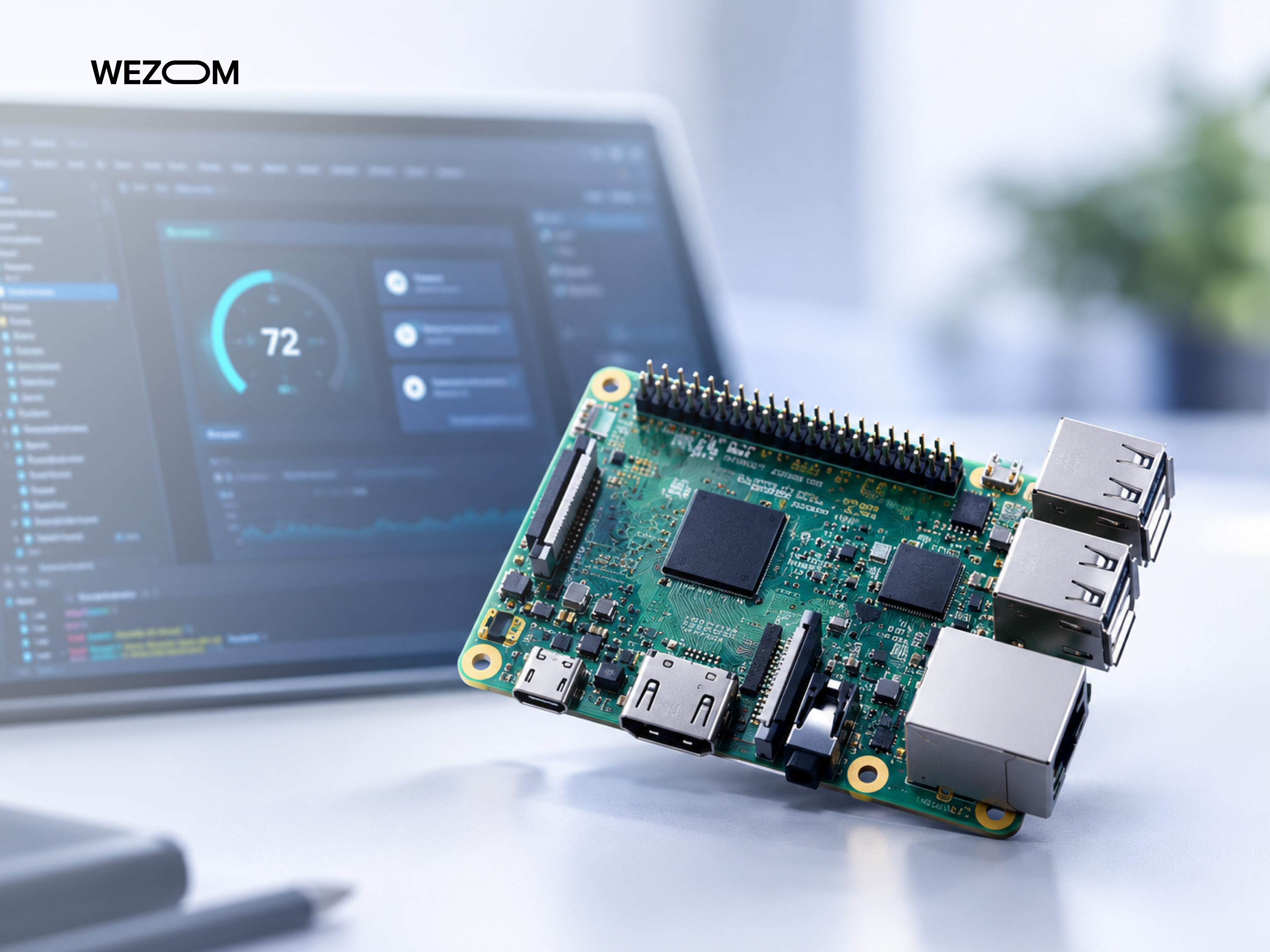
Limited RAM/Flash memory constrains the size of graphical assets and program code. The optimal solution involves employing aggressive compression techniques and manual memory management.
Maintaining Smooth UI Performance on Low-End Hardware
To achieve a stable 60 frames per second on budget microcontrollers, there are two options: using powerful graphics accelerators or deeply optimizing the rendering pipeline.
Supporting Multiple Displays and Hardware Platforms
Scaling the interface for various screen resolutions and porting code to new hardware components is often complicated by software's reliance on specific hardware; therefore, it is crucial to design modular code from the start and minimize dependencies on firmware.
Managing Complex Real-Time Data
If you need to simultaneously receive data streams from sensors, process them, and display the output – all without latency – you must carefully plan a multitasking architecture from the very beginning.
Updating Embedded HMI Without Hardware Redesign
Updates to the graphical shell and interface logic on devices already deployed at the client site must be implementable without requiring physical hardware intervention.
Avoiding Vendor Lock-In
Strive to minimize reliance on the proprietary ecosystems of specific chip manufacturers, as this can limit product upgrade options and increase costs when switching suppliers.
FAQ
How much RAM does an embedded GUI typically require?
RAM requirements range from a few kilobytes (for lightweight libraries like LVGL) to hundreds of megabytes or even gigabytes for Linux-based interfaces running on microprocessors.
Can an embedded HMI run without an operating system?
Yes, it can operate in bare-metal mode (i.e., without an OS), whereas complex multitasking systems require the use of deterministic RTOSs.
What programming languages are commonly used for embedded GUI development?
These are C, C++, QML (for Qt), and Rust.
How long does it take to develop a custom embedded HMI?
For MVPs, this takes about 2-3 months, while for full-fledged projects with strict compliance standards, it can take 12 months or more.
How much does embedded HMI development cost?
The project cost depends on its scale, compliance standards, the chosen technology stack, the level of security, the need to develop unique graphical components from scratch, and a number of other aspects that are important to clarify with your contractor.
Can an existing embedded GUI be migrated to another framework?
Direct code porting is rarely possible due to differences in library architecture, so migration typically involves implementing visual elements from scratch while preserving the application logic.
What is the difference between MCU-based and MPU-based HMI development?
MCU development focuses on low-cost microcontrollers with strict memory constraints, whereas MPU platforms provide access to the resources of powerful processors and complex multimedia effects.
How do OTA updates affect embedded HMI software?
Over-the-air updates enable the rapid delivery of new interface versions and security patches, but they require the implementation of system self-recovery mechanisms.
