
Migrating infrastructure to the cloud often turns into a serious financial drain due to technical dependencies that go unidentified until it’s too late, as well as the ill-advised migration of legacy code. Below, we explain what a sound, cost-effective cloud migration strategy should be.
What Is the Cloud Migration Process?
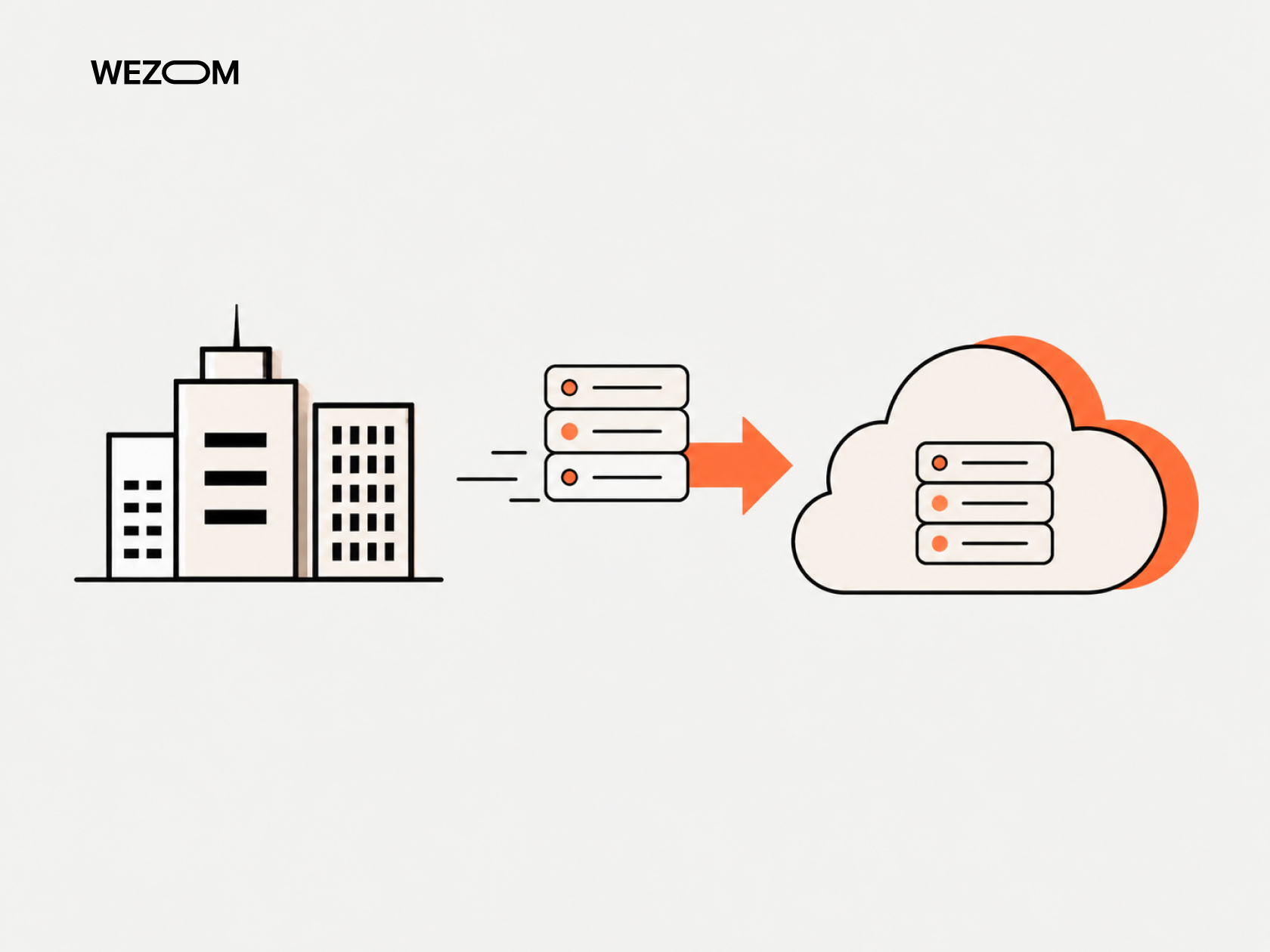
This is a process that begins with a reassessment of network connectivity and data management. It extends to the optimization of application architecture for cloud services. Its ultimate goal is to make the system fault-tolerant and rapidly scalable.
When Does Application Migration Make Business Sense?
A transition to the cloud is justified in the following cases:
- Problems with peak loads (for example, when on-premises resources sit idle 90% of the time, yet fail during marketing campaigns);
- An excessively long time-to-market, where setting up a test environment takes days/weeks;
- Legacy hardware degradation, where the costs of upgrading the equipment exceed the expense of migrating to the cloud.
How to Build an Application Migration Strategy
Let’s find out what the application migration process looks like.
Define Business Goals and Expected Migration Outcomes
First, you must establish your success metrics – for example, reducing latency by 20%, achieving zero downtime during releases, gaining the ability to scale instantly into new regions, etc.
Assess the Existing Application Portfolio
Now, you need to perform an application portfolio assessment: compile an inventory of all services, monolithic applications, and microservices, including descriptions of their technology stacks, OS versions, resource requirements, and so on.
Map Application, Database, API, and Infrastructure Dependencies
At this stage, automated network tracing tools will come to your aid – they can help uncover previously overlooked scripts or databases, without which a specific service might crash following a workload migration.
Evaluate Cloud Readiness and Technical Constraints
Next, you need to perform cloud readiness assessment from the twelve-factor app compliance point of view – for instance, checking whether the application stores state on disk, relies on hardcoded IP addresses, and so on, as all of these factors influence the extent of the refactoring required.
Define Security, Compliance, Availability, and Performance Requirements
This stage involves defining rules for data storage. It is important to understand that the cloud operates on a shared responsibility model, where the provider is responsible for the security of the cloud itself, while you are responsible for security within this cloud.
Select the Target Cloud Architecture and Operating Model
You now need to make an informed choice between a single-cloud/multi-cloud/hybrid cloud application migration approach, and, based on that, develop a configuration management concept.
Prioritize Applications and Build Migration Waves
Finally, you should understand that it’s not a good idea to migrate everything at once – it is far better to break services down into groups, starting with those that are not critical to the core of the system.
Choosing the Right Application Migration Approach
In this paragraph, we’d like to share our insights on the correct choice of the app migration approach.
Rehost – Lift and Shift Applications with Minimal Changes
Rehost involves moving lift and shift applications in their original form to virtual machines. While this approach is fast, it proves costly in the long run, as you end up paying for unoptimized resources.
Replatform – Optimize Selected Components During Migration
Replatform entails minimal optimization without altering the core codebase (for example, replacing a custom-built MySQL setup with a managed Amazon RDS instance). This simplifies routine tasks like backups and overall administration.
Refactor – Redesign Applications for Cloud-Native Architecture
Refactor requires building a cloud-native architecture (with microservices, containerization, serverless computing, etc.). While ensuring cloud cost optimization, this process is time-consuming and demands a highly skilled team.
Repurchase – Replace Existing Software with a SaaS Product
Repurchase implies abandoning your own software in favor of a SaaS solution.
Relocate – Move Workloads Without Redesigning Applications
Relocate requires moving infrastructure at the hypervisor level without affecting the virtual machines.
Retain – Keep Selected Workloads in the Existing Environment
The retain strategy allows critical services to remain on-premises, often due to regulatory requirements or, for instance, the prohibitively high cost of migrating them to the cloud.
Retire – Decommission Applications That No Longer Provide Value
Retire entails decommissioning systems that have lost their business value (typically accounting for 10-15% of a company’s entire legacy stack).
How to Choose an Approach for Each Workload
This is where the "Complexity vs. Business Value" matrix comes in handy. You can also follow a simple rule: it makes sense to refactor frequently used functionality, while for auxiliary utilities, you should either move them to a new platform or switch to a SaaS solution.
Application Migration Methodology: From Assessment to Production
At this stage, you have to understand the current situation of your IT infrastructure to make the most correct decision in terms of migration.
Phase 1 – Discovery and Migration Readiness Assessment
Сloud migration assessment starts with an audit of your team, business processes, and the IT infrastructure itself. This helps you to understand the full picture of your migration readiness.
Phase 2 – Application Assessment and Dependency Mapping
Now, you can move on to in-depth analysis and dependency mapping (by building a graph of dependencies between services and databases).
Phase 3 – Target Architecture and Migration Planning
This phase involves designing a landing zone (including networking, IAM roles, monitoring, etc.) and creating a cloud migration roadmap.
Phase 4 – Pilot Migration and Proof of Concept
Next, you can proceed with moving non-critical services to test the operation of CI/CD pipelines and migration automation scripts, as well as to evaluate network latency.
Phase 5 – Execute Application Migration Steps by Wave
This stage entails migration wave planning – that is, defining batches of systems for their sequential transfer.
Phase 6 – Testing, Cutover, and Production Launch
Now, your team needs to perform load and performance testing, set up real-time data synchronization, and switch DNS records, after which the system can be launched into production.
Phase 7 – Post-Migration Validation and Optimization
The process concludes with configuring autoscaling, pruning unused resources, and recalculating cloud costs.
Application Migration Process for Data and Databases
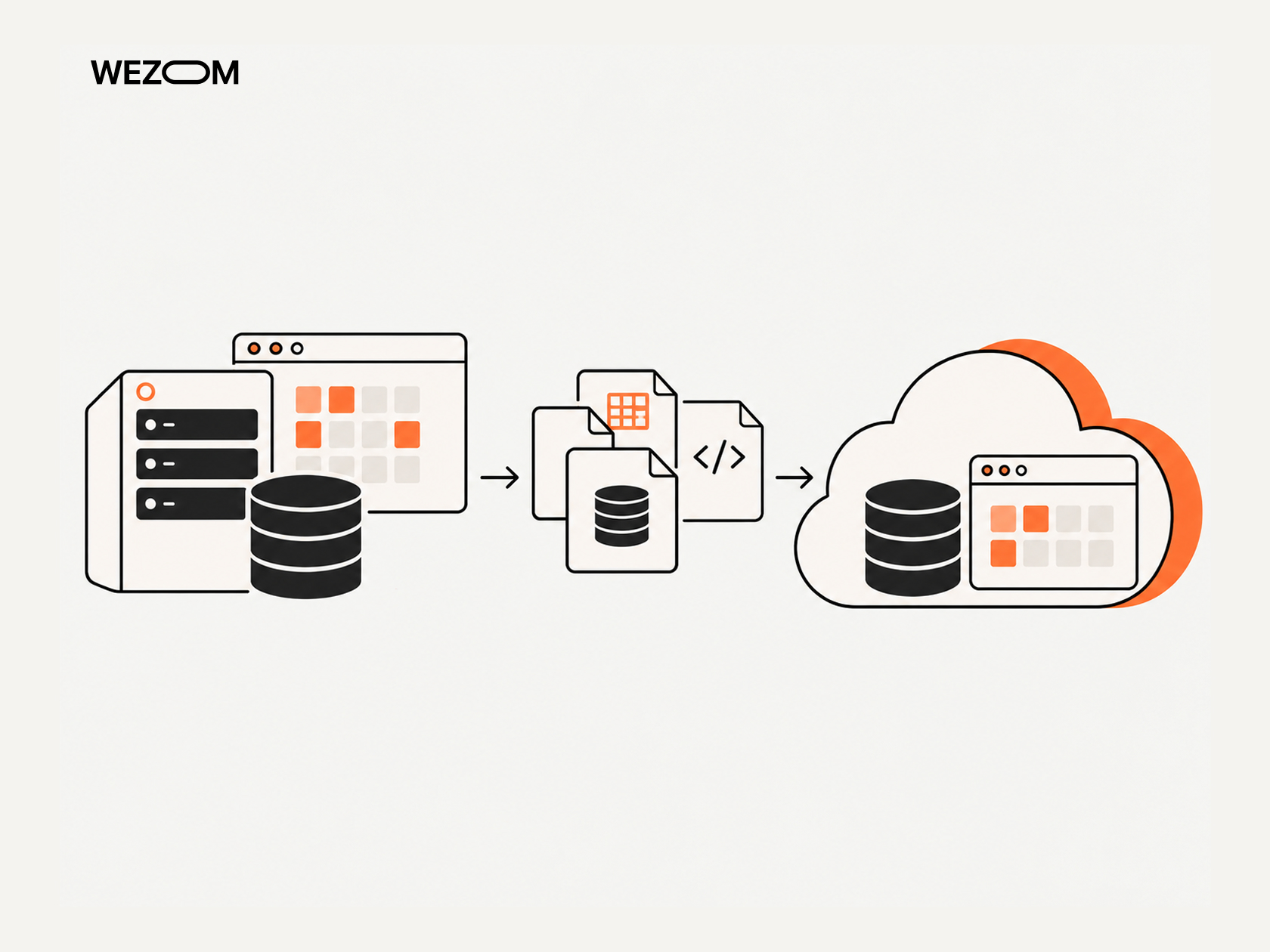
An error during the data migration phase inevitably leads to both data loss and costly downtime. Here is how we minimize the risks associated with this.
Assess Database Size, Dependencies, and Compatibility
It all starts with taking inventory of the DBMS type and identifying dependencies at the code level. It is important to pay attention to the use of vendor stored procedures, custom extensions, proprietary data types, and specific triggers. Another point that needs to be taken into account is version shifts (this may require reworking functions and changing query optimizer parameters). Finally, you must evaluate the volume and growth of IOPS, since databases with different parameters require different approaches to transport and allocation of IOPS.
Choose Between Offline and Online Data Migration
The choice is determined by the permissible maintenance window. For instance, an offline migration entails a complete shutdown of the application, followed by the creation of a data dump (transferred either over the network or via physical storage media), which is then restored in the cloud. This approach is suitable only for non-critical systems or databases under 200 GB, where the business can tolerate downtime of up to 12 hours. In contrast, an online migration allows the database to be transferred without halting write operations. A baseline snapshot is taken first, after which replication of subsequent changes is enabled. Application downtime is reduced to mere seconds/minutes, occurring only during the final traffic cutover.
Plan Replication and Synchronization
Online migration utilizes change data capture technology, which reads the source database's transaction logs and continuously streams all operations to the target cloud-based database management system. When configuring this, you must account for the volume of logs being generated; under heavy write loads, the source database could potentially fill up its disk space with transaction logs.
Minimize Data-Transfer Downtime
To reduce latency to zero, you need to set up a dedicated, direct network connection (instead of a standard IPsec VPN), implement partitioning for large tables, and perform parallel data loading using multiple threads. Additionally, for the initial bulk load, you should disable resource-intensive secondary indexes, foreign keys, and triggers on the target database (these can be rebuilt once the initial import is complete).
Validate Data Completeness and Consistency
Data integrity verification includes row counts and checksums, as well as checking sequences and auto-increment values (it is important to ensure that primary key counters in the cloud database are up to date). In addition, you need to run analytical SQL queries against both databases.
Plan Backup, Recovery, and Rollback
Before clicking the "Start migration" button, you must take a physical backup of the source on-premises database and lock it to prevent any overwrites. Additionally, you need to set up reverse replication and prepare a disaster recovery plan; this ensures that if a critical bug is discovered in the cloud environment, you can route traffic back to the local database without any data loss.
How to Plan Migration Waves and Application Priorities
Let’s talk about migration planning and workload prioritization.
Group Workloads by Dependency and Business Domain
Migrating a monolith using the big-bang approach is wrong. It's much better to combine applications into migration waves, which involves building a dependency matrix with gRPC/REST API calls, shared databases, message queues, shared storage, and so on.
Start with Low-Risk Workloads without Ignoring Representativeness
The first wave should be safe, so you shouldn’t transfer only a static internal site – it will be uninformative. It's better to start with a non-critical service that uses a standard CI/CD pipeline, as well as a shared network and a database.
Identify Applications That Must Migrate Together
If Service A makes, say, 500 synchronous network calls per second to Service B, they cannot be placed on opposite sides of the cloud and an on-premises data center; otherwise, the latency would become critical. Tightly coupled services should be placed into an affinity group and migrated together in a single wave.
Define Migration-Wave Entry and Exit Criteria
Each wave must have gateways, including entry criteria (deploying the target architecture via IaC, conducting security tests, synchronizing data, obtaining stakeholder approval for the cutover plan, etc.) and exit criteria (successfully handling 100% of production traffic for at least 72 hours, ensuring no degradation of SLA/SLO metrics, transitioning legacy on-premises resources to read-only mode or decommissioning them entirely, etc.).
Apply Lessons Learned to Subsequent Migration Waves
Each new wave should conclude with a refinement of timings and an optimization of rollback scripts, based on previous experience.
Cloud Migration Testing Checklist
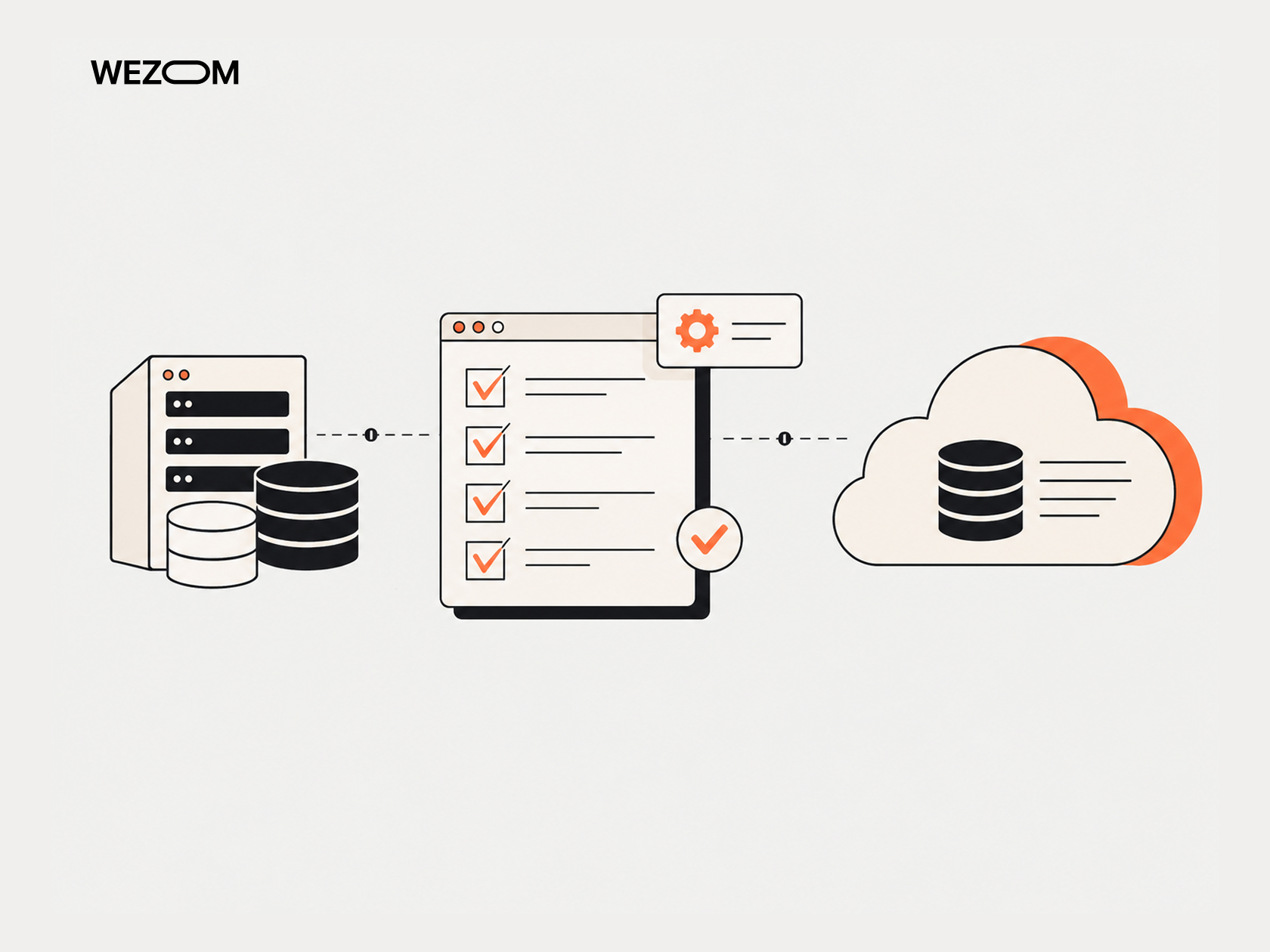
A successful migration is confirmed by the following checklist.
Application Functionality and Regression Testing
- End-to-end user scenarios have been completed
- Correct transaction processing has been verified
- Proper functioning of background tasks has been confirmed
API and Third-Party Integration Testing
- Connectivity with external payment gateways and third-party SaaS has been verified
- CORS, authorization headers, and SSL/TLS certificates have been validated
- Timeouts and retry mechanisms for interactions with hybrid endpoints have been verified
Database and Data-Integrity Validation
- No degraded table schemas or broken primary/foreign keys are present
- Table character encodings and time zones on the target database match those of the source
- The execution speed of the top 20 most resource-intensive SQL queries has been verified as adequate
Network Connectivity and Latency Testing
- Round-trip time latency between cloud components is within expected ranges
- Security group rules, network ACLs, and routing tables are correctly configured
- The operation of internal/external load balancers and proxy servers has been verified
Performance and Scalability Testing
- Stress testing was conducted, simulating 150% of the peak load
- The correct triggering of auto-scaling groups in response to increased CPU/memory load was verified
- It was confirmed that no performance degradation occurs during extended soak testing
Security and Access-Control Testing
- The principle of least privilege has been implemented for cloud IAM roles
- All databases and object storage are encrypted, both at rest and in transit
- Automated vulnerability scanning has been performed both for containers and the network perimeter
Backup and Disaster-Recovery Validation
- A successful test procedure for restoring a database from a cloud snapshot has been conducted
- The Recovery Time Objective and Recovery Point Objective metrics have been verified
- Replication of storage to an adjacent region/availability zone has been validated
User Acceptance Testing
- Users have confirmed that the interfaces and reports are functioning correctly
- No visual errors or localization issues have been observed
Cutover and Rollback Strategy for Application Migration
The choice of a cloud operating model should be made by taking into account technical and budgetary nuances – not to mention the level of expertise within your team.
Big-Bang vs Phased Cutover
The essence of the "big bang" approach is to switch the system from local data centers to the cloud all at once. This eliminates the need for two-way synchronization and is generally straightforward; however, a critical error would necessitate a complete system rollback. A phased migration cutover, on the other hand, involves migrating users or system modules in stages, group by group. While the risks associated with this approach are manageable, it requires specialized support for a hybrid state and carefully planned interoperability between the systems.
Blue-Green and Parallel-Run Migration Models
Blue-green migration involves running a local (blue) environment and a cloud (green) environment in parallel, with traffic between them switched at the load balancer level. The advantage is that this switch happens instantaneously, providing optimal conditions for a rapid rollback. On the other hand, the cost of maintaining the infrastructure doubles during the migration process, and there is a need to synchronize the databases. In this parallel-run scenario, transactions are duplicated and executed synchronously in both systems (though results are returned to the client only from the old database). This approach allows for real-time verification of migration results, but it is complex to implement in practice – specifically, the challenge lies in preventing duplicate transactions and notifications.
Final Data Synchronization Before Cutover
At the start of the cutover window, the application must be switched to read-only mode or temporarily stopped. It is necessary to wait until the message queues are drained and the replication has caught up to the latest log sequence number (at which point the replication lag will be zero). Once this is complete, replication is stopped, and the target cloud environment is switched to read-write mode.
DNS, Routing, and Traffic-Switching Considerations
The most effective way to redirect users is to change DNS records or switch external IP addresses at the BGP/Anycast level. It's important to reduce the TTL of DNS records to a minimum value (30-60 seconds) 24-48 hours before the switchover; otherwise, due to caching, some users will continue to send traffic to the old infrastructure for about a day after the release.
Define Rollback Triggers Before Production Migration
The decision to roll back should not be made only after an incident has already occurred; all rollback triggers must be defined before the migration begins. These include the error rate (if it exceeds 2% within 15 minutes of the switchover), P99 latency (if it increases to more than three times the baseline), transactional data desynchronization, or the migration window exceeding its allocated limit (e.g., 4 hours), among others. If a trigger is activated, DNS records must be immediately switched back to the local server, while the systems themselves are restored from a backup or via reverse replication.
How to Reduce Downtime During the Transition
To minimize migration downtime, an "in-flight switchover" approach with continuous replication is used. The application is set to read-only mode, allowing the message brokers to drain their queues, thereby bringing the replication lag down to zero. As a result, users experience a brief pause lasting a few seconds only.
Common Cloud Migration Pitfalls and Why Projects Fail
Below, we will analyze the typical cloud migration risks.
Migrating Before Mapping Application Dependencies
Migrating a service without realizing that it could have hundreds of application dependencies (with a database/legacy module, for example) causes it to either crash due to timeouts or experience unacceptably high latency.
Treating Every Workload as a Lift-and-Shift Candidate
Migrating monoliths to the cloud architecture without refactoring turns the infrastructure into an unjustifiably expensive equivalent of an on-premises data center, where cloud resources will end up sitting idle.
Combining Migration and Major Modernization without Controlling Scope
Simultaneously migrating an application to the cloud and microservices, changing the programming language, and implementing Kubernetes (i.e., performing end-to-end application modernization) almost always guarantees that the project will not be on time and on budget.
Underestimating Database and Data-Migration Complexity
Overlooking DBMS version compatibility, the time required to build indexes on terabyte-scale datasets, and replication latency cause maintenance windows to be missed and lead to data loss.
Ignoring Cloud Security/Compliance Requirements
Moving a database to a public subnet without encryption or with default access permissions leads to data leaks and invites unnecessary scrutiny from regulators/auditors.
Choosing Services without Considering Operational Expertise
Implementing cloud-native products without in-house expertise leads to a loss of control over the infrastructure and an inability to quickly fix issues in production.
Migrating Without Measurable Performance Baselines
If CPU/memory/IOPS/P99 latency/error rate metrics were not recorded prior to the migration, you will be unable to prove to the business whether the application is now performing faster.
Weak Testing and Incomplete Rollback Procedures
Migration testing covering only the main pages before switching traffic can lead to hours of business downtime – which is why you need a well-defined and tested rollback strategy.
Moving Workloads Without Controlling Cloud Costs
In an on-premises data center, resources are often perceived as "free," though this is only after the initial hardware investment has been made. In the cloud, by contrast, every gigabyte of underutilized space (or even a forgotten load balancer) incurs charges by the second, leading to unjustifiably high cloud costs.
Keeping Obsolete Infrastructure After Migration
Delaying the decommissioning of your existing hardware often forces you to pay for both the cloud environment and the maintenance of your legacy data center.
Security and Compliance Throughout the Cloud Migration Process
This is how regulatory compliance (and, by extension, cloud security) is ensured during the migration process.
Identity and Access Management
In the cloud, the security perimeter is built around identity – which is why it makes sense to rely on the principle of least privilege and role-based access (provided on a just-in-time basis, through a single identity provider, and requiring multi-factor authentication).
Encryption in Transit and at Rest
Encryption at rest applies to all storage buckets and database backups – these must be encrypted using customer-managed keys. As for data in transit, which includes internal traffic between microservices and databases, it must be protected using the TLS 1.3 protocol.
Secrets, Credentials, and Key Management
Storing passwords, API keys, or certificates directly in the code/configuration files/environment variables is prohibited. Instead, it is best to use a secrets management service, such as AWS Secrets Manager, which supports automatic rotation.
Network Segmentation and Cloud Security Controls
It is important here to establish an isolated network architecture: public subnets handle external load balancers; private subnets deal with app/microservice servers (without direct external IP addresses); isolated subnets (with no internet access) cover the databases, while end-to-end protection is ensured through the integration of a Web Application Firewall and tools for preventing DDoS attacks.
Logging, Monitoring, and Audit Trails
All actions within the cloud infrastructure must be relayed to a centralized audit system and forwarded to a SIEM system to detect anomalies in real time.
Regulatory Requirements and Data Residency
Before choosing a cloud region, you must ensure that storing data there will comply with the requirements of local legislation.
Security Validation Before Production Cutover
Before switching traffic, the team must conduct both automated and manual audits, including scanning container images for vulnerabilities, performing static analysis of IaC code, and carrying out external pentesting.
How to Estimate Cloud Migration Cost and Resources

The financial model must account for engineering/assessment costs, dual-run/data transfer costs, as well as expenses related to the target cloud infrastructure.
Application Assessment and Engineering Costs
This includes payment for the work of in-house engineers (or an external partner). It is important to account for the time required for code refactoring and writing IaC scripts.
Infrastructure and Cloud Service Costs
These costs include the price of compute, storage, managed databases, as well as network components.
Data Transfer and Database Migration Expenses
Database migration costs include the expenses associated with moving terabytes of data from on-premises data centers to the cloud during initial synchronization.
Parallel-Environment Costs During Migration
During the testing/phased migration period, businesses have to pay for both on-premises data center support and cloud resources simultaneously (a process that typically takes 2-6 months).
Testing, Security, and Compliance Costs
This includes payment for third-party audits, costs for external load testing, and the purchase of licenses for security tools.
Internal Team vs External Migration Partner
Relying solely on internal resources may initially seem cheaper, but it increases the risk of delays in time-to-market. In this case, it is better to consider a hybrid cloud migration by bringing in a partner with extensive experience in migrations.
Total Cost of Ownership after Migration
Assessing total cost of ownership allows businesses to shift from capital expenditures to a predictable budgeting model. As for TCO optimization, it is achieved through lower costs for cloud resources/managed services, as well as savings on the maintenance of physical servers and data centers, software licensing, hardware support, and more. Furthermore, idle capacity is minimized, while the company gains the ability to utilize auto-scaling and implement FinOps practices.
Measuring Whether an App Migration Was Successful
So, how can you understand whether the migration process was successful or not? Let’s find it out.
Application Availability and Reliability
The first sign is an increase in application uptime – for example, from 99.9% to 99.99%.
Response Time and Infrastructure Performance
Improved response time and performance are typically reflected in a reduction in P95/P99 latency and the overall execution time of background tasks.
Deployment Frequency and Operational Efficiency
The speed at which new features are deployed (in other words, the time-to-market) should be reduced, at least through the implementation of CI/CD automation and an "Infrastructure as Code" approach.
Cloud Infrastructure Utilization
Optimizing the utilization of cloud resources is reflected in an increase in the efficiency rate at which computing capacity (specifically CPU and memory) is used (i.e., this eliminates instances where these resources sit idle).
Infrastructure and Operational Cost
Total infrastructure costs should also decrease, as actual spending is brought into alignment with FinOps forecasts.
Incident Frequency and Recovery Time
The frequency of incidents (especially production outages) and recovery times should decrease. Furthermore, the time required to resolve such issues should be minimized.
User and Business Impact
Ultimately, the impact on users and the business itself should become evident. This is reflected in increased conversion rates, an overall improvement in user satisfaction, the system’s ability to handle peak loads, and other business metrics that are fundamentally important to the company.
What Happens After the Application Migration Process?
Launching an application in the cloud is not the end – it is followed by post-migration optimization, called ‘day-2 operations’.
Rightsize Compute and Storage Resources
During the first 30 days following migration, the team should analyze resource consumption. If any redundant virtual machines are identified, their disks should be resized to optimal volumes (this will have no impact on performance).
Introduce Autoscaling and Managed Cloud Services
Next, the team performs transition from fixed instances to auto-scaling groups; additionally, standalone database servers must be replaced with fully managed services.
Improve Monitoring and Observability
This stage involves implementing distributed tracing (for example, using OpenTelemetry/Jaeger), as well as log aggregation and APM systems, to enable real-time localization of issues.
Establish FinOps and Cloud Cost Governance
Now, the team moves on to budget optimization, which includes setting up alerts for cost overruns, tagging resources, and purchasing reserved capacity (this is available under the most budget-friendly plans, offering potential discounts of up to 60-70%).
Modernize Applications after Stable Migration
Once the system has stabilized, the team begins refactoring (i.e., legacy application modernization), which includes migrating resource-intensive modules to Kubernetes, adopting a serverless approach, optimizing databases, and more.
Decommission Legacy Environments Safely
This is the final stage, during which the team archives local data, shuts down servers in the old data center, and terminates lease agreements, thereby freeing up company capital for higher-priority tasks.
FAQ
How long does a typical cloud migration process take?
To complete all application migration steps for small projects, it requires 1-3 months, while large-scale enterprise systems (characterized by hundreds of dependencies) take an average of 12 months.
Which applications should be migrated to the cloud first?
These are isolated, non-critical services with a small number of dependencies and a stable load level.
Can an application be migrated without downtime?
Yes, you can achieve business continuity through a blue-green architecture, as well as continuous, zero-lag database replication.
Should you modernize an application before or after cloud migration?
It is best to start your application migration strategy with approaches that require minimal changes (such as replatform/rehost), then stabilize the system in the cloud, and only afterward proceed with modernization (via a refactor approach).
What team roles are required for a successful application migration?
Typically, for successful implementation of any well-known application migration methodology, such a team includes a Cloud Architect, DevOps/SRE engineers, a Database Administrator, a Security Engineer, a Lead Developer, a QA Engineer, and a Project Manager (or Delivery Manager).
How do you migrate applications with poorly documented dependencies?
In such cases, we typically use automated network scanning and kernel tracing tools, such as Datadog Network Performance Monitoring.
What should be included in a cloud migration rollback plan?
In this context, it is essential to plan for rollback triggers, scripts for switching DNS/routes, reverse data replication, and a procedure for restoring the initial state.
How do you know whether an application should remain on-premises?
This is necessary if the cloud migration process is prohibited due to regulatory requirements, or if the application demands ultra-low latency (less than 1 ms) – for instance, when interacting with local hardware.
